49
Electrical installation and Wiring
8.6 Wiring the 8025 Batch in compact version, the
8035 Batch or the SE35 Batch
Only move the selectors when the power supply is off.
Insert the supplied stopper gasket into the unused cable gland to ensure the tightness of the device.
• Unscrew the unused cable gland.
• Remove the transparent disk.
• Insert the supplied stopper gasket.
• Screw the nut of the cable gland.
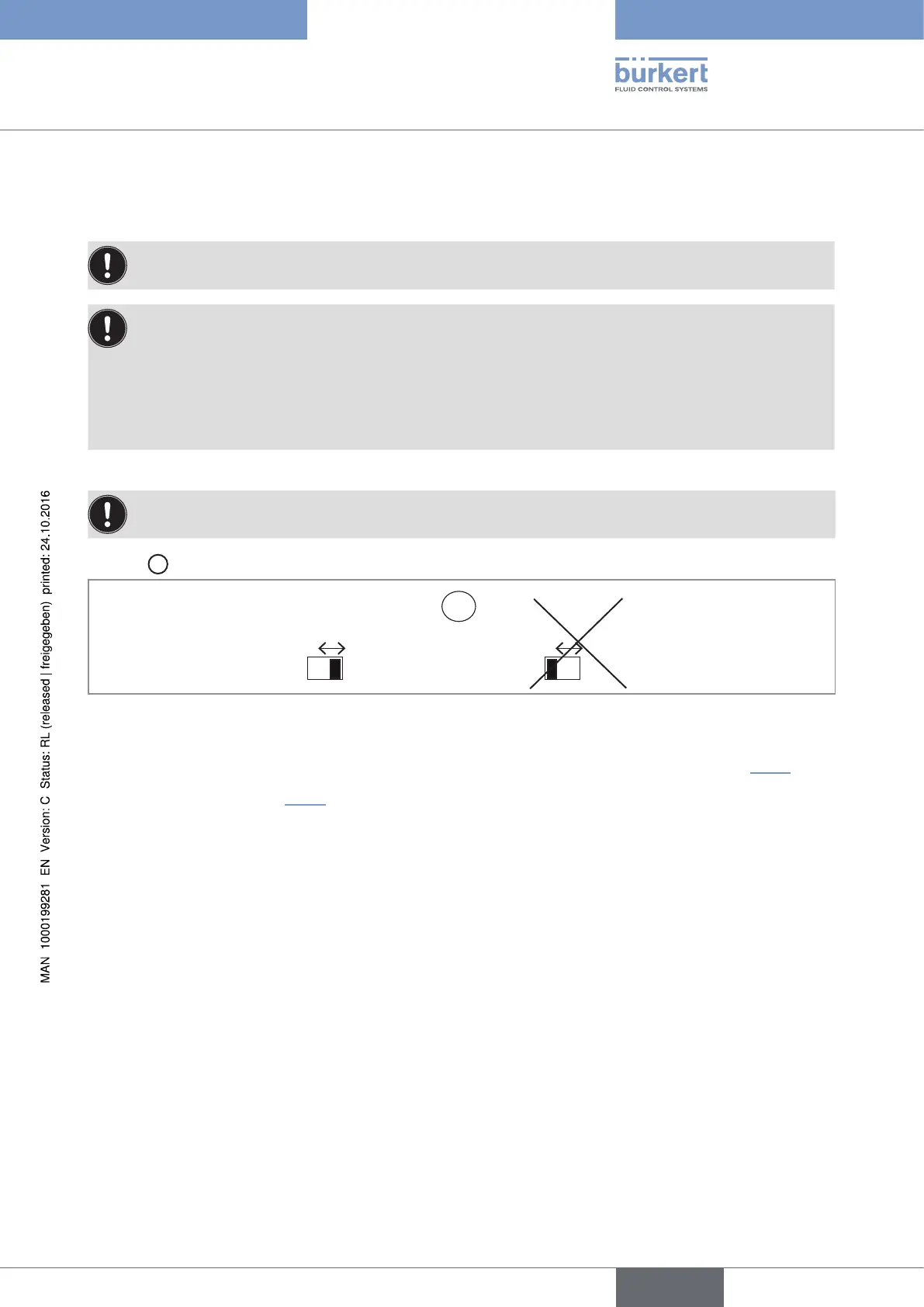
→ Set the selector "SENSOR TYPE" on "NPN/PNP" (default position).
Never set selector "SENSOR TYPE" on "COIL" on a compact version.
Selector
C
makes it possible to configure the type of signal received from the flow sensor.
C
TYPE
COIL NPN/PNP
SENSOR
COIL NPN/PNP
Fig. 26 : Using selector "SENSOR TYPE" on the 8025 Batch in compact version, the 8035 Batch or the SE35 Batch
→ Set selector "SENSOR SUPPLY" depending on the value of the power supply of the device. See Tab. 2.
→ Set selector "LOAD": See Tab. 2.
English
Type 8025 - 8035 - SE35 BATCH



 To Next Page