Page 8
Display modes
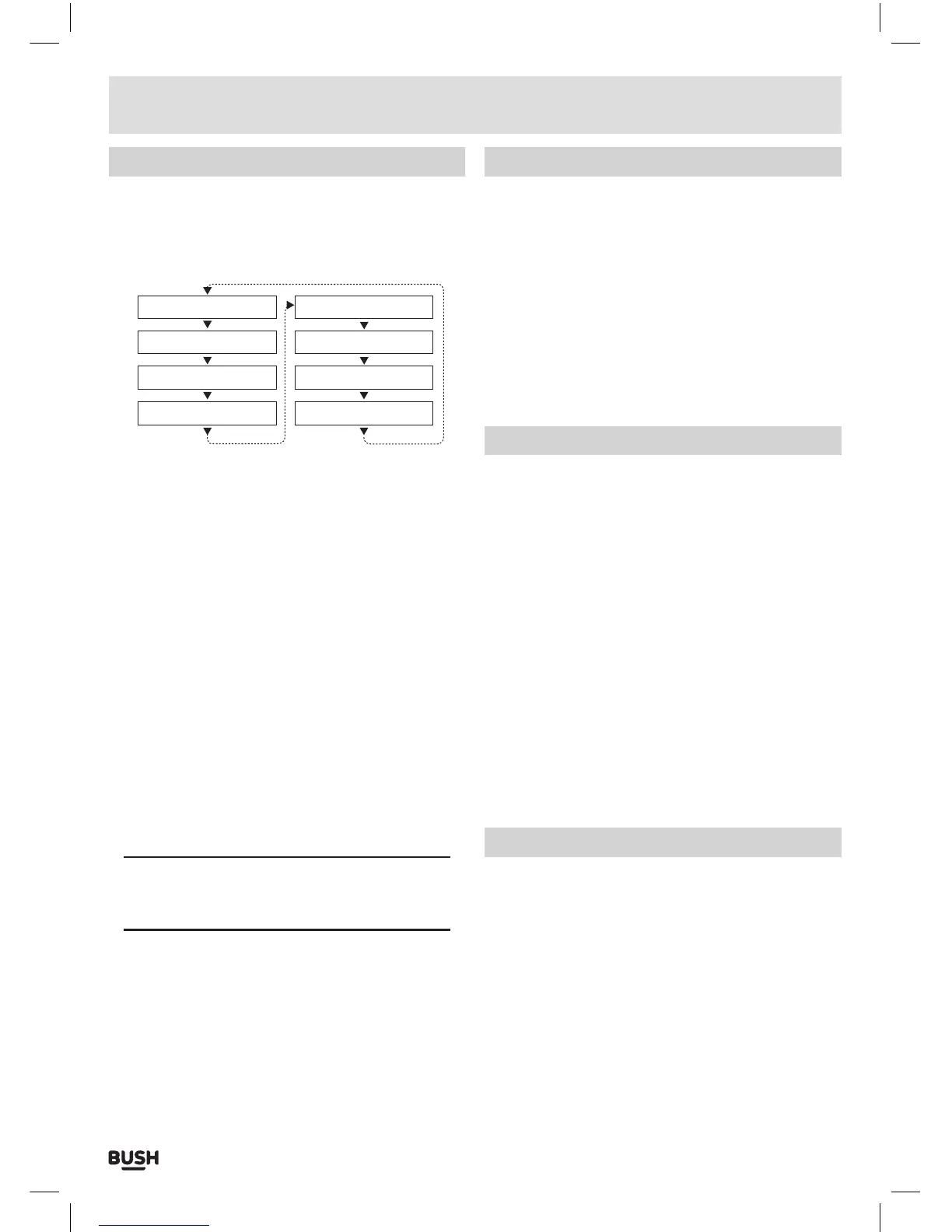
Every time you press the “INFO” button (23) on the
remote control, the display will cycle through the
following display modes: The information is displayed
on the lower segment of the LCD display.
Channel Frequency
Programme Type
DLS (scrolling text)
Mode
Time
Date
Signal Strength
Ensemble Name
DLS (dynamic label segment)
Dynamic label segment is a scrolling message that the
broadcaster may include with their transmissions. This
message usually includes information, such as program
detail etc.
Signal strength
This option will display a bar indicating the signal
strength.
Program type
This describes the “Style” or “genre” of music that is
being broadcast e.g. “Rock “or “Classical”.
Ensemble/Multiplex (group name)
A multiplex/ensemble is a collection of radio stations
that are bundled and transmitted on one frequency.
There are national and local multiplexes. Local ones
contain stations that are specific to that area e.g. MXR
West.
NOTE: DAB – unlike normal radio, groups together
several radio stations and transmits them on one
frequency.
Channel frequency
Displays the current DAB multiplex in use.
Mode
Displays the current mode.
Time & date
The time & date can be set automatically from the DAB
or FM broadcast or set manually. Follow the steps on
page 12 to set manually.
Performing a station scan
There are two types of scan, one is Quick scan and the
other is Auto scan.
Quick scan: searches the UK DAB band III
Full scan: searches all DAB channels.
1: To activate the quick scan press the AUTO button (29).
1: To activate the full scan press the MENU button (24)
on the remote.
2: When the ‘FULL SCAN’ option appears press the
ENTER button (45) to perform a full scan.
Manual tuning
As well as an auto tune function, you can manually
tune the receiver. This can help when aligning your
aerial or when adding stations that were missed while
auto tuning.
1: Press the MENU button (24).
2: When the ‘FULL SCAN’ option appears press
either TUNE- or TUNE+ (26,46) button and locate
‘MANUAL’, press the ENTER button (45).
3: Use the TUNE- or TUNE+ (26,46) buttons to cycle
through the DAB multiplexes, which are numbered
174.928 - 239.200MHz.
4: Now press the ENTER button (45) to enter the
selected ensemble/multiplex, there will be a bar
graph denoting the signal strength displayed.
5: To save any extra stations located to the station list
or to return to the default screen, press the ENTER
button (45).
Pruning
When the radio has performed a Scan in several
locations you may find there are stored stations that
you can no longer receive. This function automatically
removes them from the stored station list.
1: Press the MENU button (24).
2: When the ‘FULL SCAN’ option appears press either
TUNE- or TUNE+ (26,46) button and locate ‘PRUNE’,
press the ENTER button (45).
3: Use the TUNE- or TUNE+ (26,46) buttons to select ‘Y’
(yes) and press the ENTER button (45) to perform the
prune function.
User instructions



 To Next Page