- 18 -
: Scrolls page right.
Text (Search): Displays “Guide Search” menu.
(Now) : Shows the current programme.
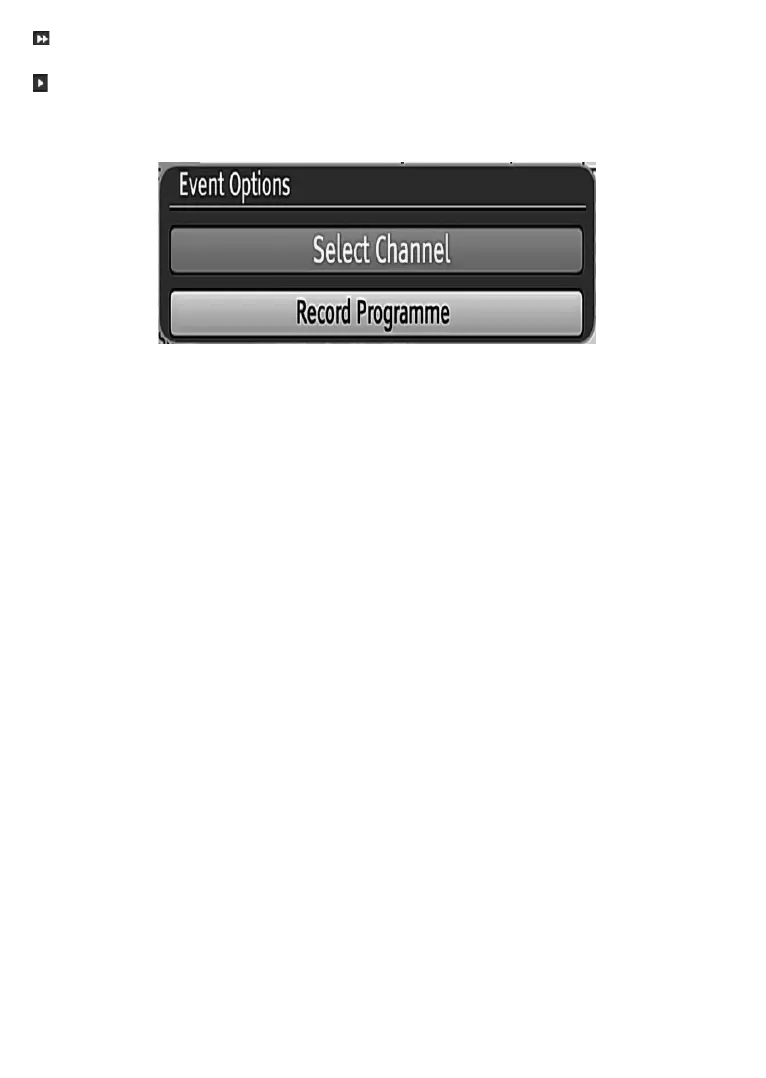
Event Options
,Q(3*PHQXSUHVVWKHOK button to enter the “Event Options” menu.
Select Channel
Highlight it and press OK to switch to the selected programme.
Record Programme
Highlight it and press OK button to set the programme to recording.
Record Series/Delete Series
,QWKH(3*PHQXDIWHU\RXKDYHVHOHFWHGDSURJUDPPHSUHVVWKHOK button and select the Record Series
option and
press the OK button again. The selected programme will then be set for series recording. With this
IHDWXUH\RXFDQUHFRUGDSURJUDPPHDQGDOORILWVIROORZLQJSDUWVZLWKLQ8 days. The information belonging
to the selected programme will be saved from the software and following parts of the selected programme
ZKLFKDUHQRWLQFOXGHGLQWKHSHULRGRIGD\VZLOOEHDXWRPDWLFDOO\DGGHGGD\E\GD\7KHOHWWHU³V´GHQRWHV
that these recordings are series records.
7RFDQFHODQDOUHDG\VHWVHULHVUHFRUGLQJKLJKOLJKWWKDWSURJUDPPHDQGSUHVVWKHOK button and select the
option Delete Series. The recordings will be cancelled.
1RWH6HULHVSURJUDPPHLQIRUPDWLRQVKRXOGEHEURDGFDVWHGE\WKHEURDGFDVWHU
Split Record
:KHQ\RXVHOHFWDSURJUDPPHWREHUHFRUGHGLIWKHUHLVDQRWKHUSDUWRIWKHSURJUDPPHDYDLODEOHLWZLOODOVR
EHVHWWRUHFRUGDXWRPDWLFDOO\7KHSURJUDPPH¶VIROORZLQJHSLVRGHLVDOVRXQGHUOLQHGLQWKHSLFWXUH7RGRWKLV
you have to press only the RECORD button once. The programme you selected will be framed red.



 To Next Page