13
5. Charge Bar
Having set the display on the control panel, you will notice that during normal operation,
there is a charge bar running along the bottom of the display. This charge bar shows the
percentage of water softener capacity remaining since the last regeneration. Immediately
following a regeneration, the charge bar returns to 100%.
6. Resetting the display during normal operation.
If the time is to be adjusted during normal operation, press any key to illuminate the
display, press the
keys will alter the time as described on page12.
key once. The display will flash and indicate present time. Using the
7. Power loss
The AMECS system will maintain the individual programming parameters of the water
softener for up to 72 hours.
If the power cut lasts longer than 72 hours, the control will flash "0:00" when power is
returned to the control. The unit will continue to keep time from the moment power is
restored. In this situation, the time of day will need to be reset.
P RA T EERHT
8. Flow indicator
During normal operation, a flow indicator will flash on the display at a rate of one litre per
pulse when water is passing through the softener.
9. Cleaning
Your water softener may be cleaned using a damp cloth and a mild detergent. Do not use
bleaches, solvents or spirits as they may damage the surfaces.
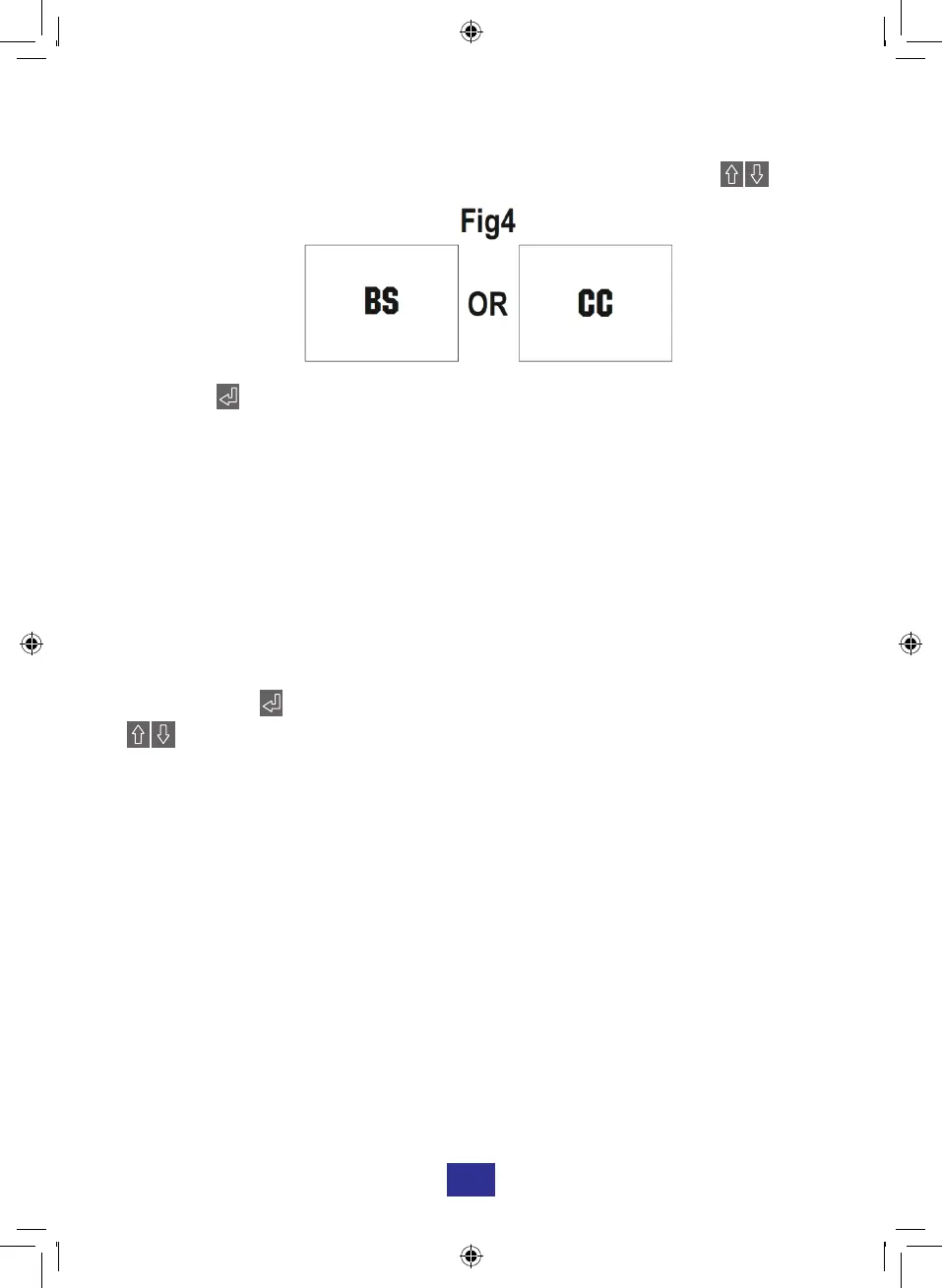
4. Setting the Type of Salt. (See Fig4) *For WS455 and WS555 models only
To operate effectively, your water softener must be set to the type of salt that you intend to
use in the system. Block salt (BS) and care cubes (CC) are suitable. Use the
keys to select the type of salt used.
Pressing the button will return the display to the Normal Operation mode.
Programming is now complete and now further adjustments of the water softener is
required.
Remember to check the salt and water level in the brine cabinet weekly.


 To Next Page