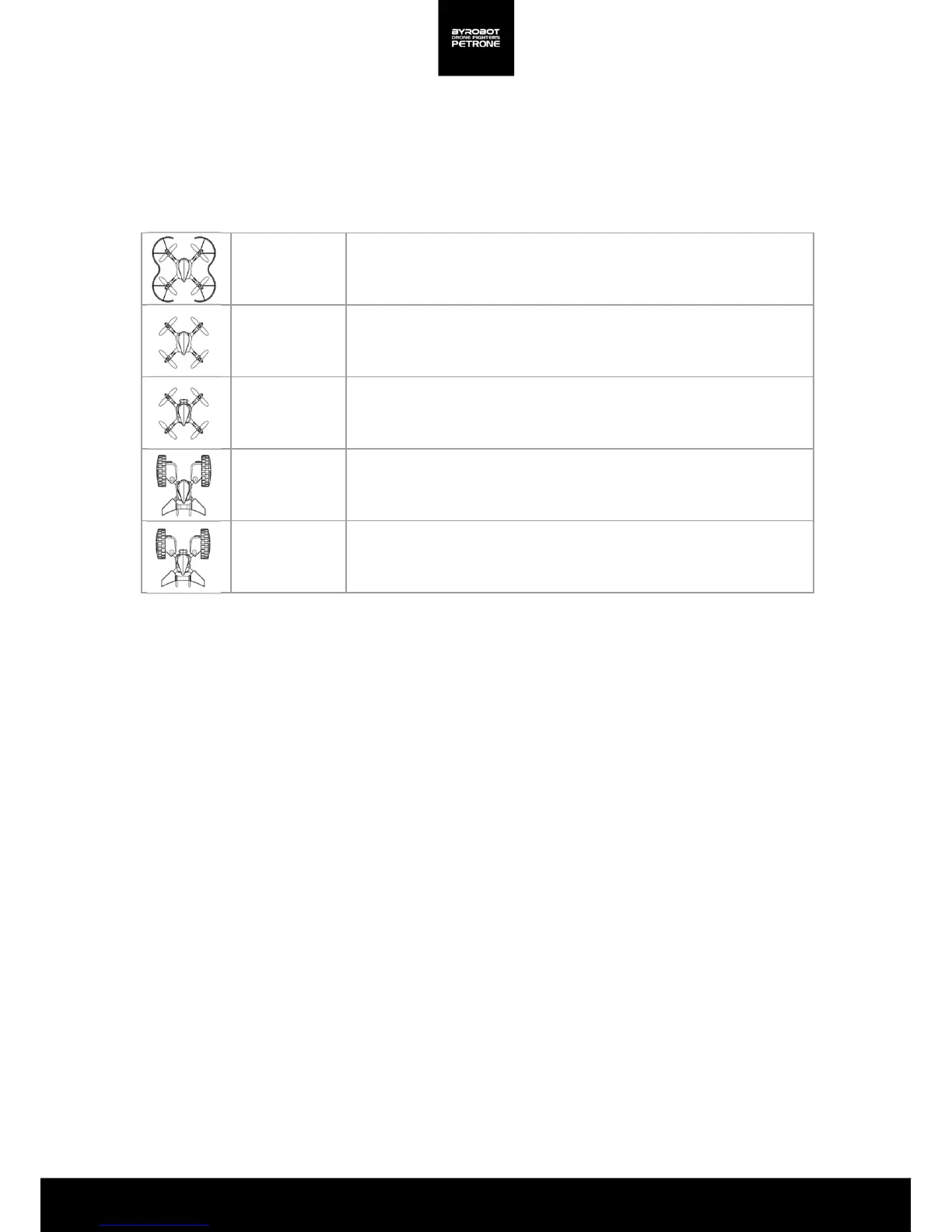
Guard
Propeller Guard is attached.
Stable flight, suitable for beginners
No Guard
Propeller Guard is removed.
Dynamic flight, suitable for experts
Flight FPV
Petrone FPV Kit is attached(Propeller Guard must be removed).
Real-time video transmission, video/photo shooting
Drive
Petrone Drive Kit is attached
Drive FPV
Petrone Drive Kit and FPV kit are attached.
Real-time video transmission, video/photo shooting
Choosing Accessories for the Petrone
3
2. Flight
When the Smartphone is connected to the Petrone, a screen for selecting accessories appears.
Please select the proper controlling mode depending on the type of attached accessories. There
are a total of five options.
<Table 2.1. Petrone Mode>


 To Next Page