39
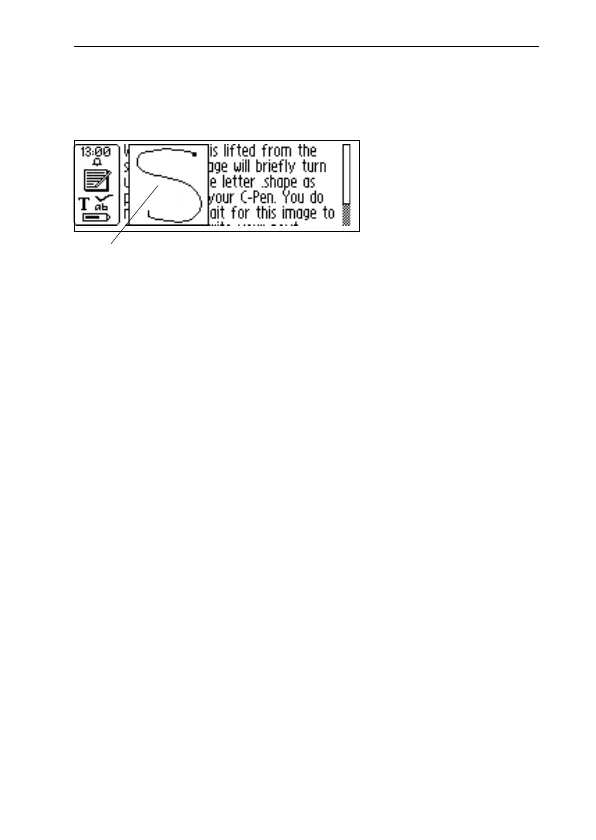
You do not have to wait for this image to disappear
to write your next letter. The function is called
C Write Feedback, and is enabled as default.
The C Write Feedback utility can be switched on/off as
follows.
1. Go to Settings in the main screen.
2. Select C Write Feedback.
3. Uncheck/check the check box according to your per-
sonal preference.
4. Select OK.
Basic rules when using C Write
It is important that the pen tip is in contact with the surface
while you are writing. For a C-Pen with a manual trigger
Trigg must be pressed before you start writing.
The writing surface must have a distinct pattern, such as a
printed text. Solid colors or simple repetitive patterns (lines,
squares, grids) should be avoided.
Visual feedback



 To Next Page