40
In order to obtain maximum accuracy when writing with
C-Pen, your characters should resemble the prototypes on
the following pages as closely as possible.
A character must be drawn in one single stroke. The dot
indicates the starting point of the stroke, see next page.
The height of the character should be 1 - 4 cm
(¼ - 1¼ inch).
Capital letters
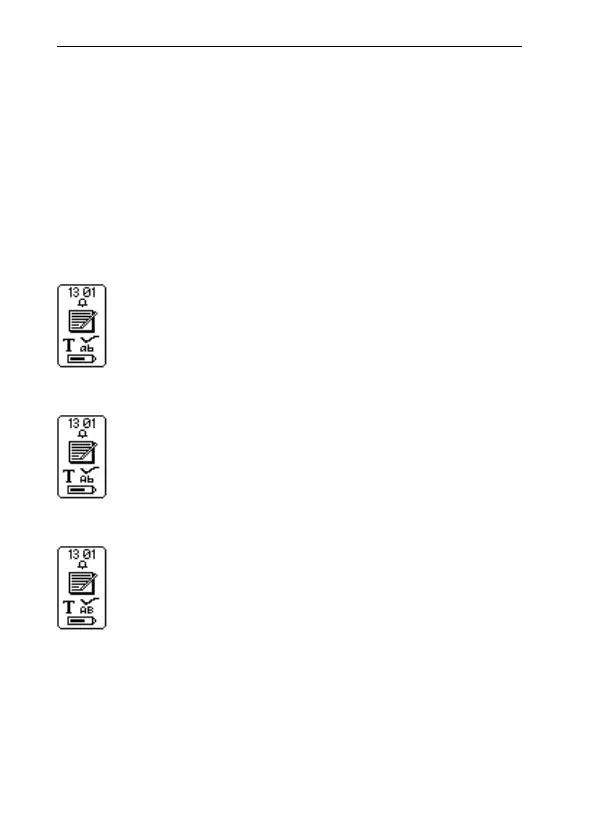
When you enter edit mode the status field will
change appearance. The edit mode symbol indi-
cates that C Write will generate lowercase
letters.
To write a capital letter, you have to write the shift
sign first, see C Write Prototypes. Only the first
letter will be a capital. The status field will reflect
this choice.
If you write two shift signs, C Write will enter
Caps Lock mode. All letters will be capitals until
you write a shift sign again.
Symbols
When using a C-Pen with a manual trigger, press Trigg
briefly to enter symbol mode.
C Write Capital letter icon
C Write Lowercase icon
C Write Caps Lock mode icon



 To Next Page