79
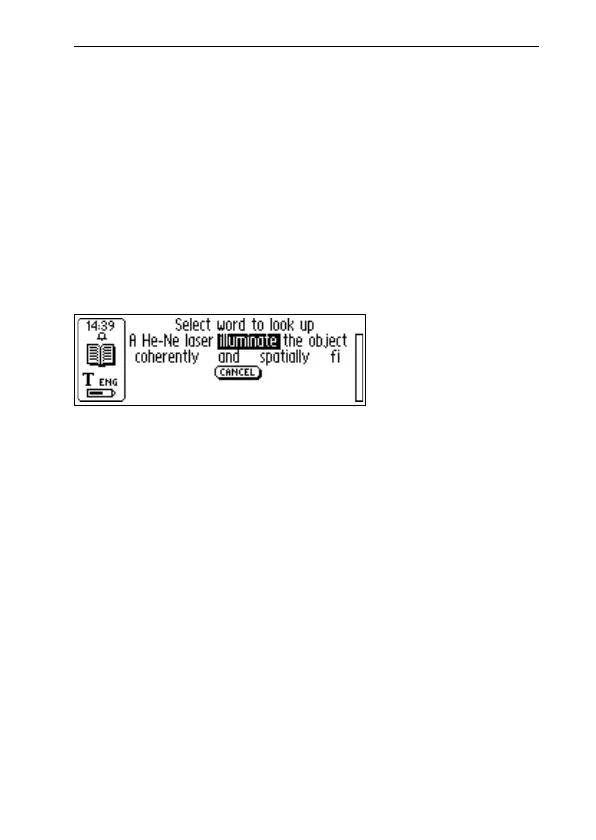
Word selection screen
If more than three words are read the Word selection screen
appears. Turn Nav to select a word.
The selected word is looked up and the Translation/defi-
nition screen, Word selection list or Can’t find dialog box
will be displayed.
To cancel the scanned word/text and go back to the
C Dictionary main screen, press the pen tip briefly against
the surface (for a C-Pen with an automatic trigger) or press
Trigg briefly (for a C-Pen with a manual trigger).
You can start to read a new word without closing the screen.
Close the Word selection screen by pressing ESC or by
selecting the CANCEL button.
Text Language
The Text Language is automatically set to the language
you are translating from; i.e. German is set for the German-
English dictionary. Exiting C Dictionary will restore the
Text Language to the language that was set before enter-
ing C Dictionary.
Word selection
screen



 To Next Page