80
Dictionaries button
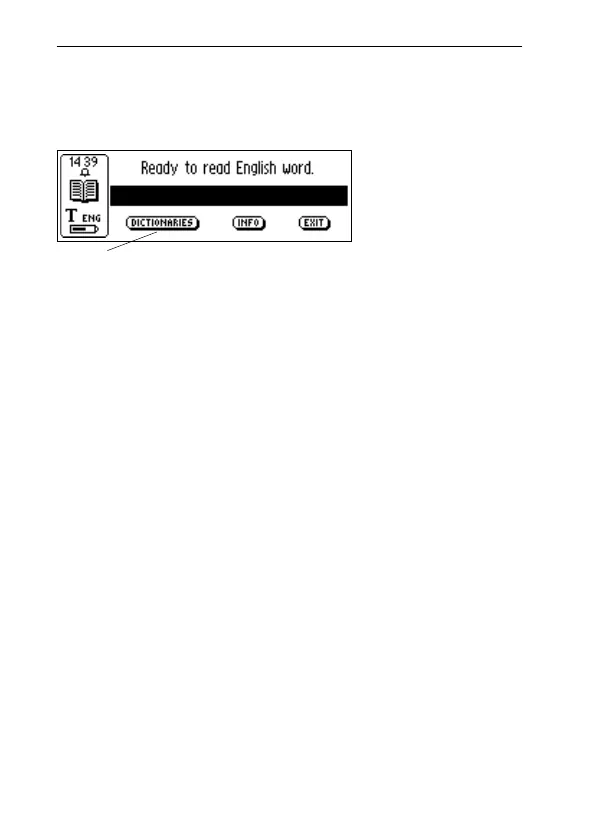
The DICTIONARIES button in C Dictionary’s main screen
is shown below.
The DICTIONARIES button gives you access to the list of
dictionaries in your C-Pen. Select the dictionary you want
to use by checking its check box, and then select OK.
If you want to use the same dictionary the next time you
use your C-Pen you do not have to repeat this procedure,
since the dictionary setting is stored when C-Pen is turned
off.
Info button
The INFO button displays information about the currently
selected dictionary, the number of words, the publisher of
the dictionary and copyright information. Your dictionary
license key is also shown here.
Before you upgrade your C-Pen or delete a dictionary,
make sure you have recorded the license key.
Exit C Dictionary
You can exit C Dictionary from the C Dictionary main
screen by selecting EXIT, or press ESC a few times until
you are back in C-Pen main screen.
!
C Dictionary
main screen
Dictionaries button
!



 To Next Page