85
listed with e-mail/fax/SMS numbers, the Contact list will
not be displayed. Instead the Message setup screen, see
below, will appear.
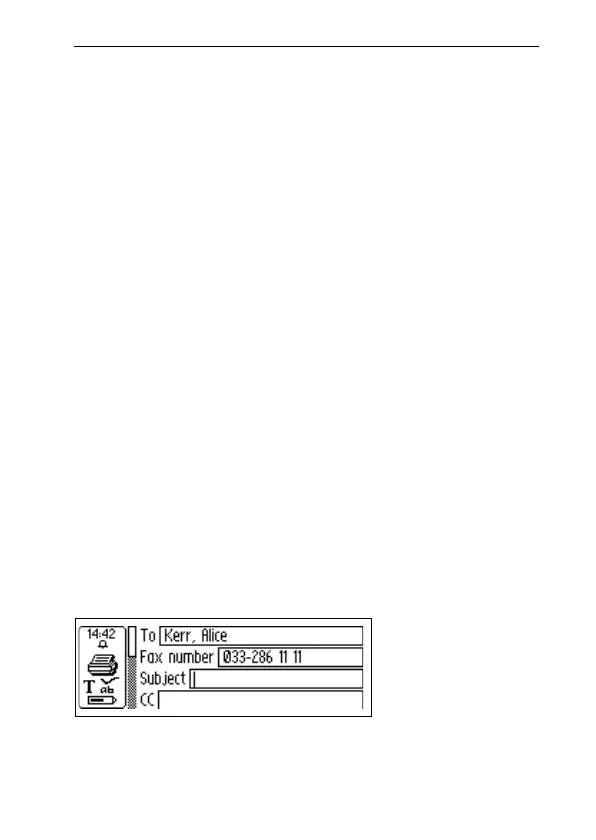
Message setup screen
The Message setup screen is opened when you select
either OK or NEW… in the Contact list, see above.
The buttons in the Message setup screen are:
• ADD TO C ADDRESS
Stores the new information as a new contact in your
address book in C Address.
• SEND
Sends the message if the connection to the mobile phone
is OK. A sent message is stored in the Sent folder. If the
connection failed the message is stored in the Unsent
folder.
• CANCEL
Cancels the Message setup screen and returns to the
previous screen. The message is stored in the Unsent
folder.
There are different options depending on whether a fax,
SMS or SMS-e-mail is to be sent.
Message setup



 To Next Page