87
• Message
The message to be sent.
All fields can be edited either by reading text or by writing
text with C Write.
If OK was selected in the Contact list the chosen contact’s
name and number are automatically entered in the Mes-
sage setup screen.
If Send was selected from Notes you will find the contents
of the selected file in the Message text field in the Mes-
sage setup screen.
Settings
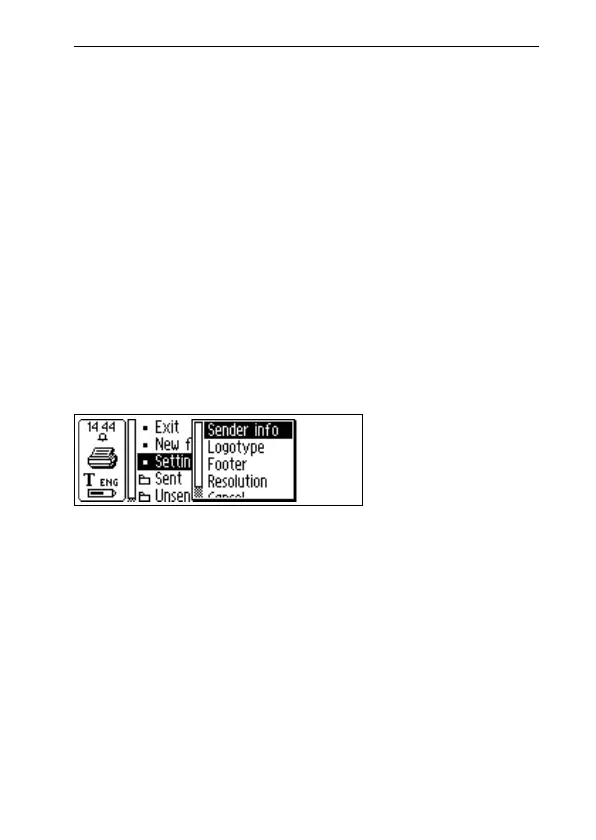
There is a Settings menu for the fax page setup and it is
reached from the C Fax main screen.
The Settings menu contains the following options:
• Sender info
Information about the sender, such as name and com-
pany. This information will be inserted on all fax pages
once it has been entered. This information is stored in
the C-Pen memory and has to be entered only once.
• Logotype
A list of stored logotypes, from which you can select the
one you want to put on your fax page. See below.
C Fax
Settings menu



 To Next Page