88
• Footer
A list of stored footer images, from which you can select
the one you want to put on your fax page. See below.
• Resolution
The resolution of the fax page, with the options Normal
(low resolution) and Fine (high resolution).
Please note that transmission of fine resolution fax pages
is more time consuming.
• Cancel
Cancels the Settings menu and returns to the C Fax
main screen.
Download logotypes and footers
If you have logotypes and/or footers you want to add to
your C-Pen fax pages, you can download them from your
PC to your C-Pen.
Establish a connection between your C-Pen and your PC.
Open C-Pen viewer and copy the image files from your PC
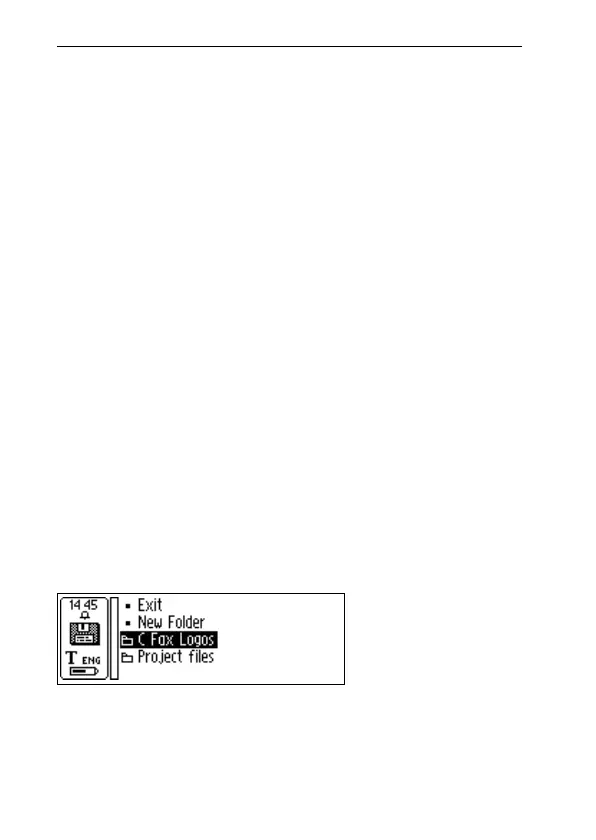
and paste them in the C Fax Logos folder in Storage, see
p. 98. You can also drag the file from the PC folder and drop
it onto the C Fax Logos folder in Storage.
Please note that the image files must be uncompressed and
in black-and-white BMP format.
C Fax Logos
folder in Storage
!
!



 To Next Page