92
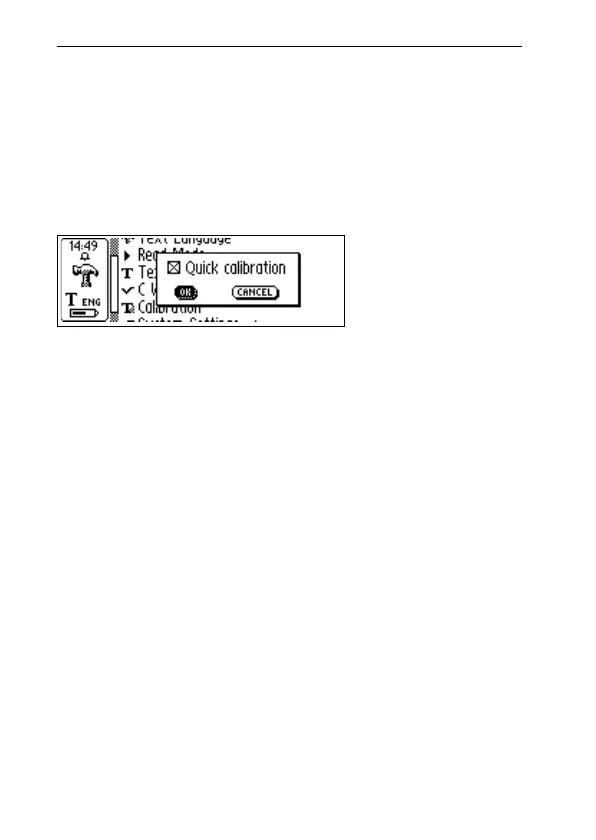
2. Options, where you can enable/disable the Quick
Calibration option.
Quick calibration is the preferred option if you often
read texts with very different text contrasts. Quick
calibration is disabled as default.
Quick calibration enables C-Pen to start a calibration
as soon as you press Trigg.
For a C-Pen with a manual trigger, the pen tip should
be pressed flat against the surface and held, perfectly
still, while you press Trigg for about two seconds.
For a C-Pen with an automatic trigger the pen tip
should be pressed flat against the surface and held,
perfectly still, for about two seconds.
3. Cancel, returns to the main menu.
How to Calibrate a C-Pen with a manual trigger
Calibrate adjusts C-Pen’s reading ability according to the
contrast between the text and its background. When the
C-Pen display says “Press scan to calibrate”, follow these
instructions:
1. Hold C-Pen with the pen tip flat against the surface.
2. Press Trigg while moving the pen. If calibration is
performed from a menu other than the Settings main



 To Next Page