93
menu, you should press Trigg, hold the pen still for
two seconds and then move it over the surface.
3. A progress indicator appears on C-Pen’s screen.
4. Move C-Pen over the text, in circles or back and forth.
Continue to move C-Pen until the progress bar is
complete.
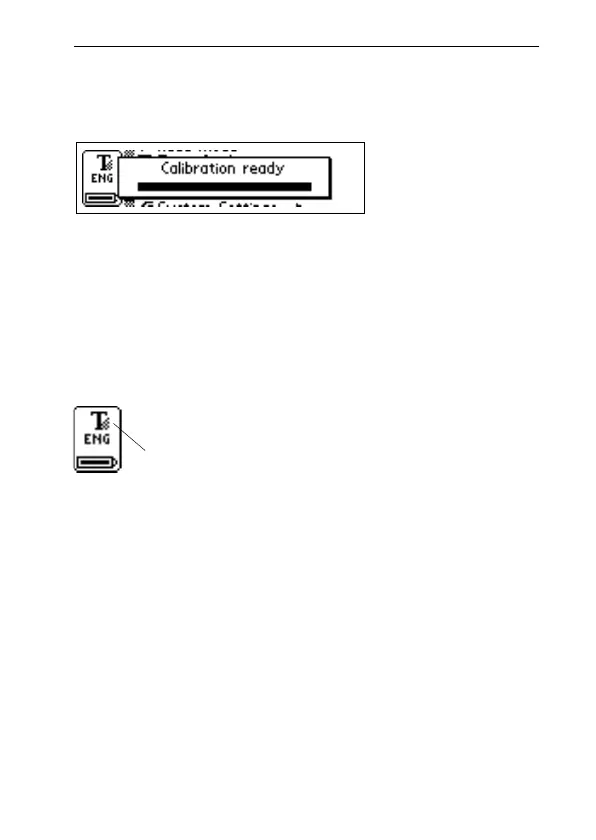
5. A message indicates that calibration has been
completed.
When your C-Pen is calibrated the Text Quality icon in
the status field changes appearance.
How to Calibrate a C-Pen with an automatic trigger
When C-Pen instructs you to calibrate, follow these in-
structions:
1. Hold C-Pen with the pen tip flat against the surface. If
calibration is performed from a menu other than the
Settings main menu, you should first hold the pen
still for two seconds and then move it over the surface.
Text Quality icon



 To Next Page