94
2. A progress indicator appears on C-Pen’s screen.
3. Move C-Pen over the text, in circles or back and forth.
Continue to move C-Pen until the progress bar is
complete.
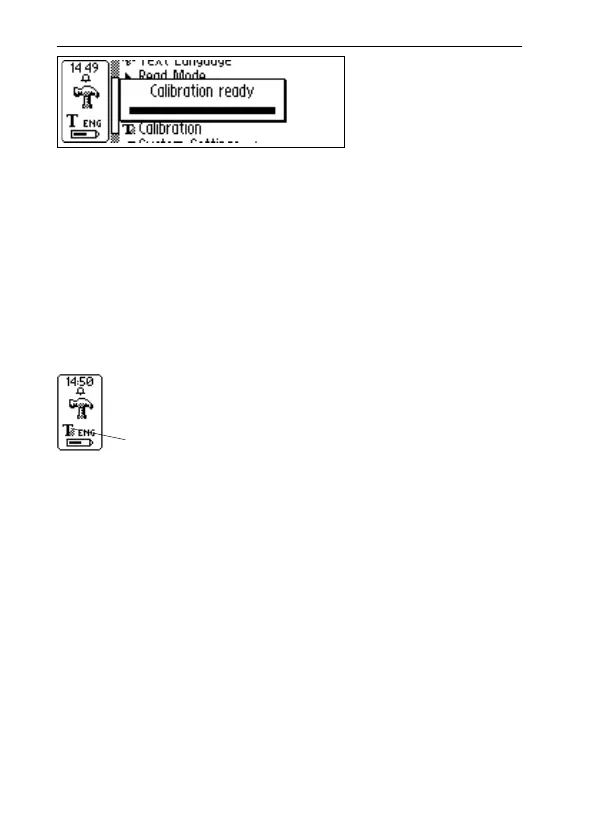
4. A message indicates that calibration has been
completed:
When your C-Pen is calibrated the Text Quality icon in
the status field changes appearance.
System Settings
To see which of the following settings that are available
with your C-Pen see C-Pen Models, p. 6-7.
• PIN code
You can control access to your C-Pen by a four-digit
PIN code. Enter the PIN code setting to enable or dis-
able your PIN (Personal Identification Number).
When the dialog box opens, the zero in the first position
will blink. Turn Nav to select the first digit of your PIN.
Then press Nav to go the next position. Continue with
Text Quality icon



 To Next Page