95
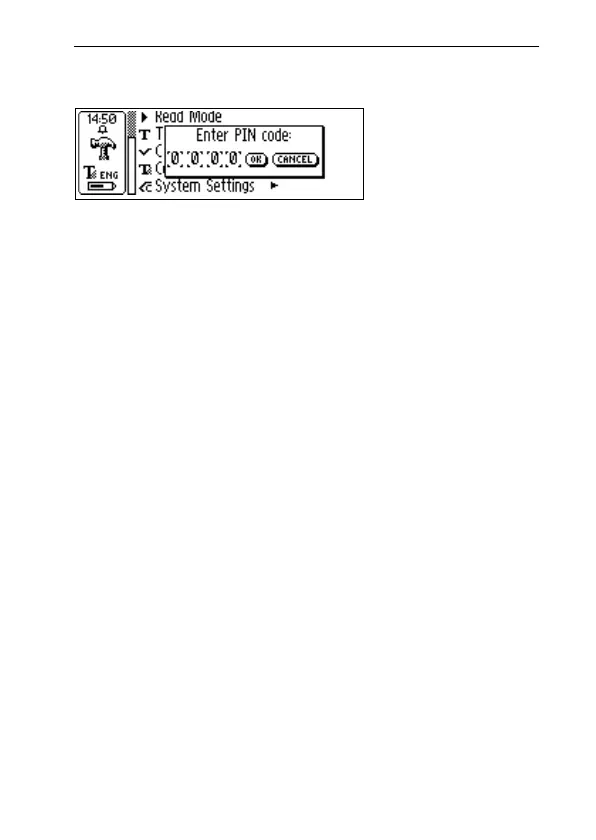
all four digits. When you have reached OK, press Nav
and confirm the PIN in a new dialog box.
If a PIN code is enabled, you must enter the PIN each
time C-Pen is turned on. After three unsuccessful attempts,
C-Pen will turn off. You get three attempts each time
you start C-Pen.
Warning! If you start C-Pen by selecting DISABLE PIN
CODE in the start up dialog box, all data in C-Pen will be
lost! You can change or disable your PIN code by selecting
PIN code in System Settings.
Please remember to write down your PIN code and keep
it in a safe place, in case you forget the code!
• Contrast
Display contrast. Select the bar and turn Nav to change
the display contrast.
• Time
The time shown in the status field can be set according
to your preferences.
• Sound
Alarm sound and a System sound which can be switched
on/off. The System sound is activated in combination
with certain message dialog boxes.
!



 To Next Page