18
Turning on
1| Insert "MANAGER" chip card.
2| Leave card in for approx. 5 seconds;
remove card on second acoustic signal.
➤ "MANAGER" menu is indicated.
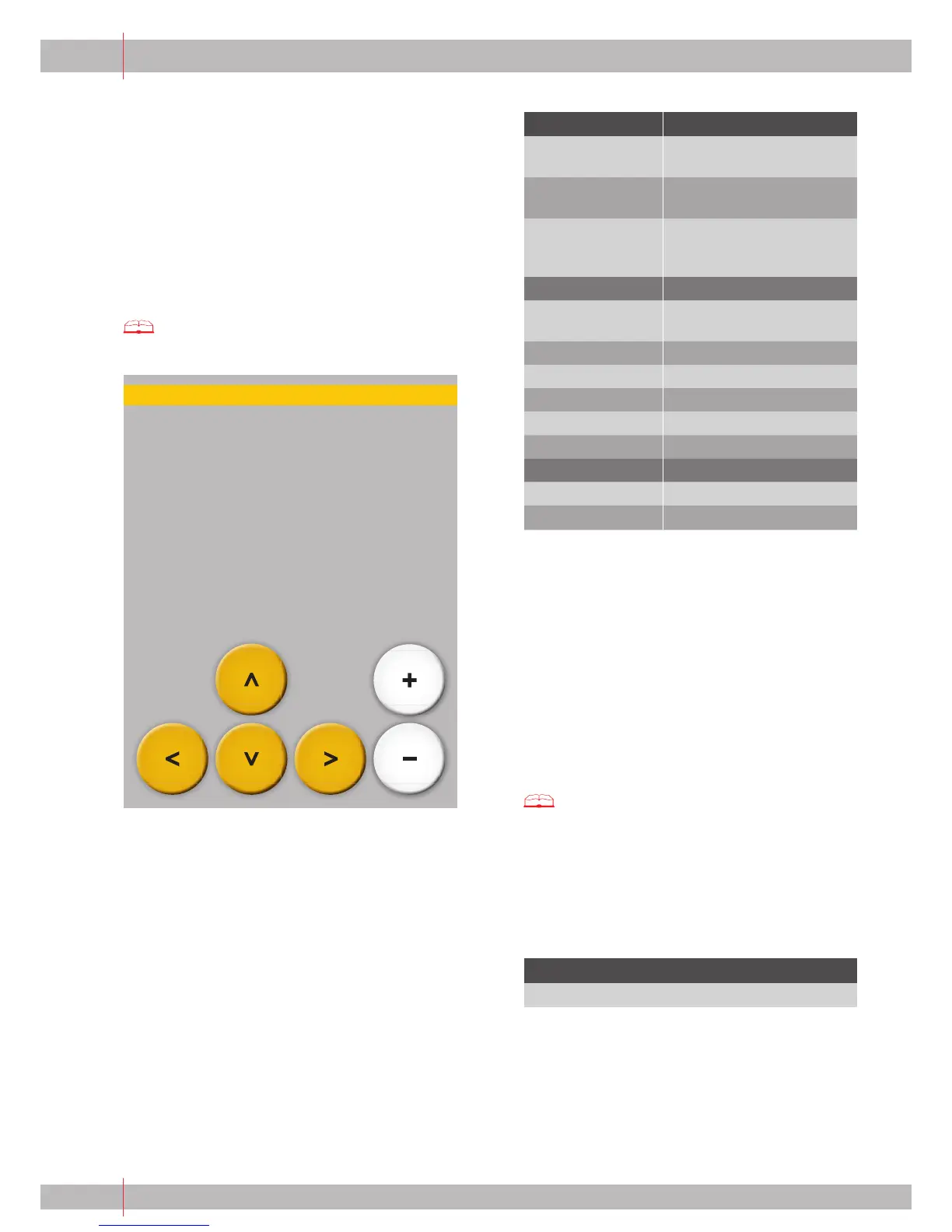
3| Navigate through the menu using the arrow keys.
Turning off
1| Insert card again.
2| Leave the card in until prompted by the display
to remove the card.
➤ For setting and changing all functions, see:
Chapter 10 "Settings and Functions of the
‘MANAGER’ menu"
9.2.3 Possible functions of "MANAGER"
chip card with simple menu
This chapter lists all functions and settings which you
can make with the "MANAGER" chip card
(simple menu), according to menu structure. The
"MANAGER" chip card allows you to use several service
technician functions.
Main function Settings
Timer On/Off
(only if activated)
Turn on/off coff ee machine
with timer.
Timer External
(only if activated)
Turn on/off external
appliance with timer.
Timer Self Turn on/off self-operating
mode of the coff ee machine
with timer.
Counters
Clear counters Minus key held down
(>5 sec.).
Product See total counters.
Coff ee See coff ee counter.
Hot water See hot water counter.
Steam See steam counter.
Milk See milk counter.
Time/date
Time Set time.
Date Set date.
Turning on:
1| Insert "MANAGER" chip card.
2| Leave card in for approx. 5 seconds;
remove card on second acoustic signal.
➤ "MANAGER" menu is indicated.
3| Navigate through the menu using the arrow keys.
Turning off :
1| Insert card again.
2| Leave the card in until prompted by the display
to remove the card.
➤ For setting and changing all functions, see:
Chapter 10 "Settings and Functions of the
"MANAGER Menu"
9.3 "MEMORY"
9.3.1 Possible Functions of the "MEMORY" Chip Card
Main function
Reloading the last saved machine and product data.
9 Chip cards (continued)
Product
Functions
Price/Gratis
Counters
Time/date


 To Next Page