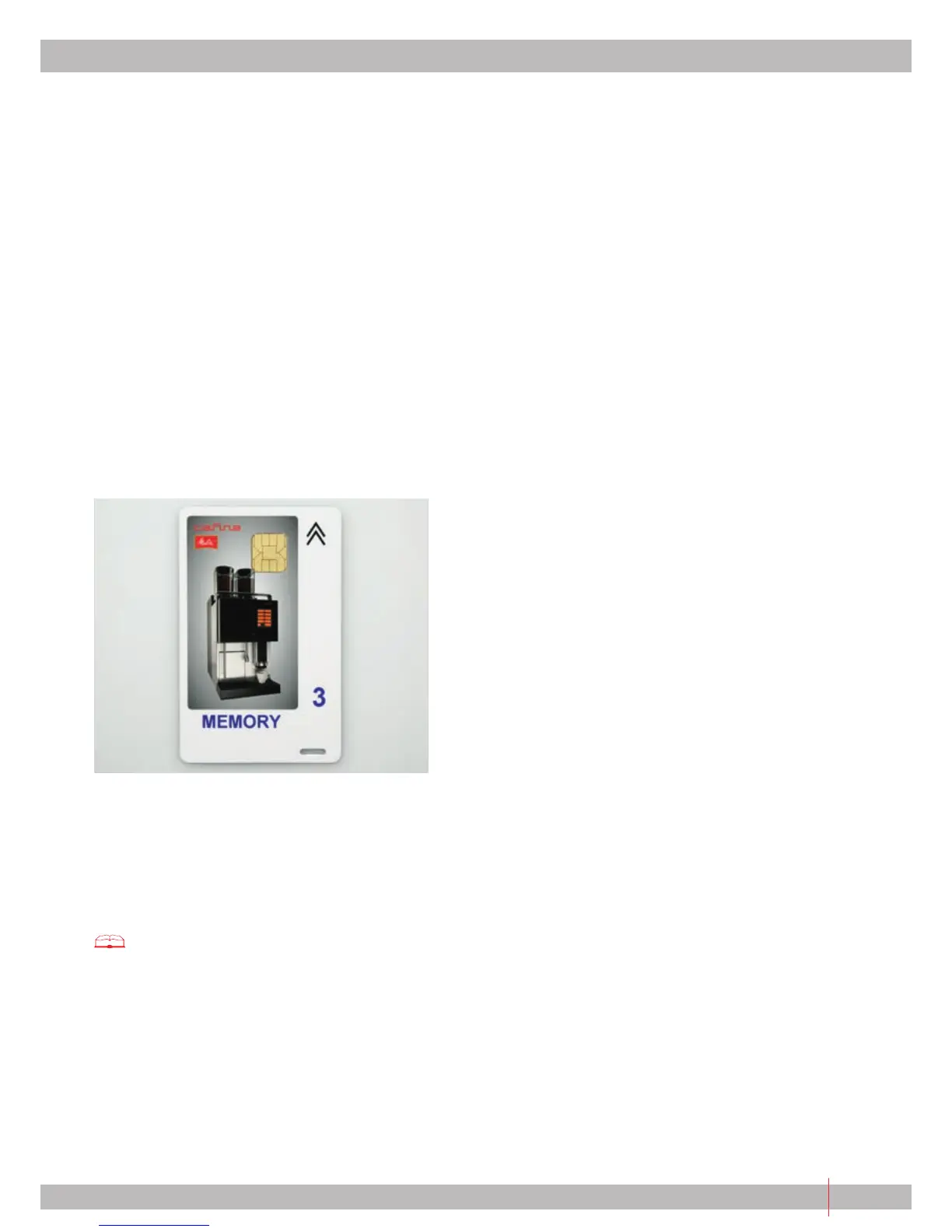
9.3.2 Using the "MEMORY" Chip Card
The "MEMORY" chip card is used as an additional
back-up for all the settings of your c35.
This card saves the latest settings which were made by
authorised technicians.
If the system memory of the c35 is deleted during a
malfunction, the data can be copied back from the
"MEMORY" chip card.
Coffee machine reset:
1| Insert "MANAGER" chip card.
2| Turn off machine (cleaning).
3| Insert "MEMORY" chip card and when display
prompts "Read Memory Card", acknowledge with
"Yes" > data is read back.
4| Do not remove card until prompted by display.
5| Turn on machine again with "USER" or "MANAGER"
chip card.
9.4 Additional chip cards
The additional chip cards are function cards. They
actuate functions but do not allow navigation in the
menu. You can order the following additional chip
cards directly from your partner, see:
see "Contact addresses" (cover page).
9.4.1 "FREE VEND"
The "FREE VEND" chip card allows free products to be
dispensed if external modules are used.
Turning on:
1| Insert "FREE VEND" chip card.
2| Leave the card in until prompted by the display
to remove the card.
Turning off:
1| Insert card again.
2| Leave the card in until prompted by the display
to remove the card.
9.4.2 "KEYLOCK"
The "KEYLOCK" chip card allows you to lock all operat-
ing keys without having to access the programming of
the c35.
Turning on:
1| Insert "KEYLOCK" chip card.
2| Leave the card in until prompted by the display
to remove the card.
Turning off:
1| Insert card again.
2| Leave the card in until prompted by the display
to remove the card.
9.4.3 "SELF"
The "SELF" chip card allows you to directly switch the
self-operating mode of the c35 on and off without
having to access the programming of the machine. In
self-operating mode all drinks can be dispensed only
individually, it is not possible to stop a product which
is being dispensed. The use cannot access the other
functions and programming.
Turning on:
1| Insert "SELF" chip card.
2| Leave the card in until prompted by the display
to remove the card.
Turning off:
1| Insert card again.
2| Leave the card in until prompted by the display
to remove the card.
9.4.4 "EXTERNAL"
The "EXTERNAL" chip card allows you to directly switch
external modules on and off, such as cashier stations,
coin validators, etc., without having to access the
programming.
Turning on:
1| Insert "EXTERNAL" chip card.
2| Leave the card in until prompted by the display
to remove the card.
Turning off:
1| Insert card again.
2| Leave the card in until prompted by the display
to remove the card.


 To Next Page