Personal Ambulatory Oxygen System Provider Technical Manual
40
PN 20631679 Rev D
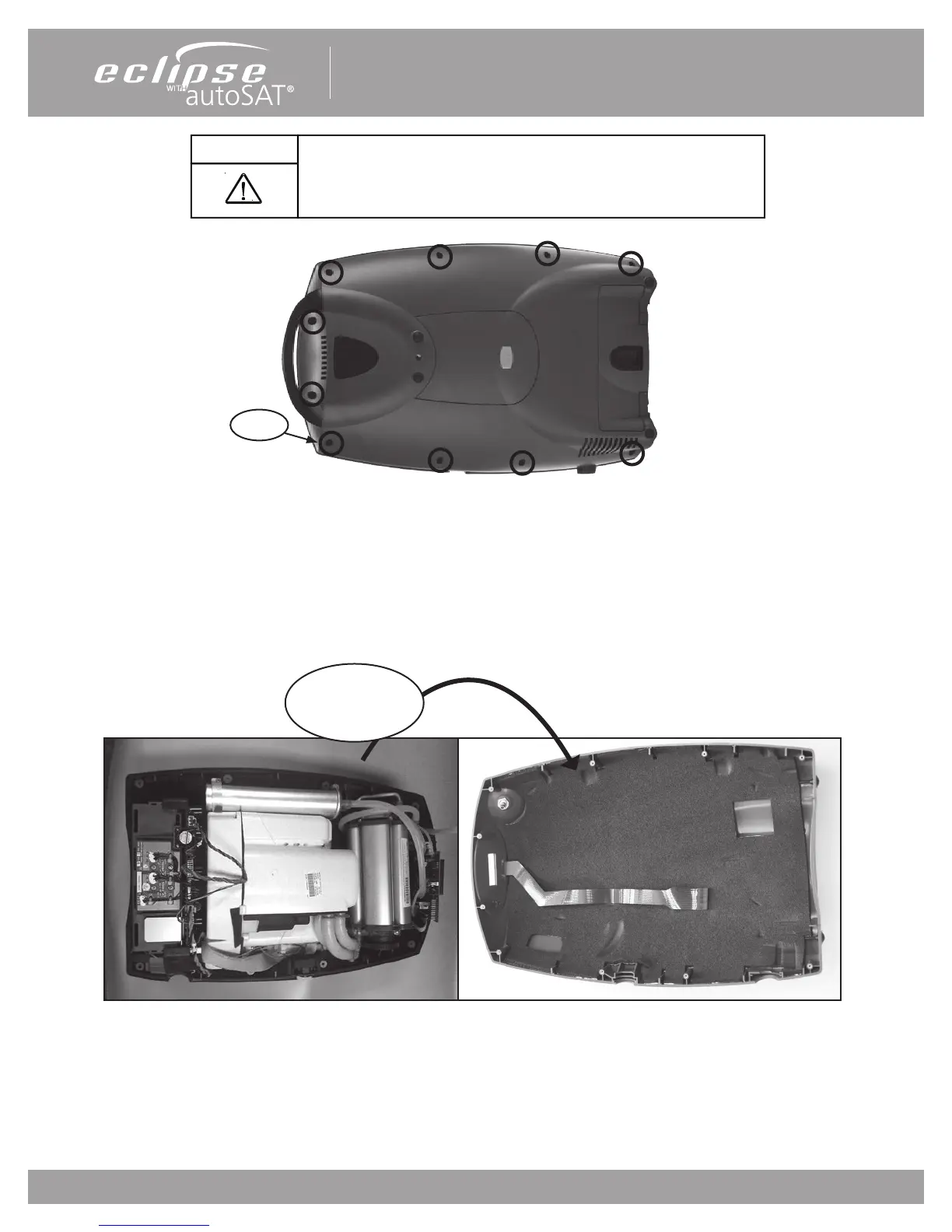
Figure 12: Removing screws to open the Front Cover
4. Turn over and place the unit horizontally on the back cover.
5. Remove the front cover -- pop the bottom end o rst and rotate it towards the handle. Be careful not to tear
the Control Panel ribbon cable that is attached to the front cover.
Figure 13: Opening the Front Cover.
CAUTION
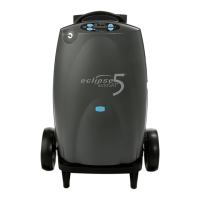
The Eclipse 5 contains electrostatic sensitive components. Do not
open or handle except at a static free workstation. Do not remove
cover without ESD protection.
Rotate front cover
up towards handle
Screws


 To Next Page