PN 2118245 C | User Manual 15 - ENG
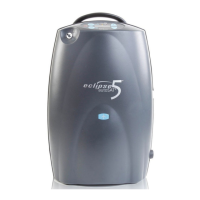
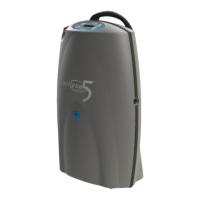
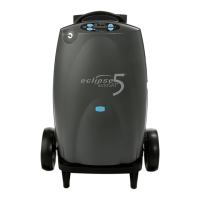
Eclipse 5
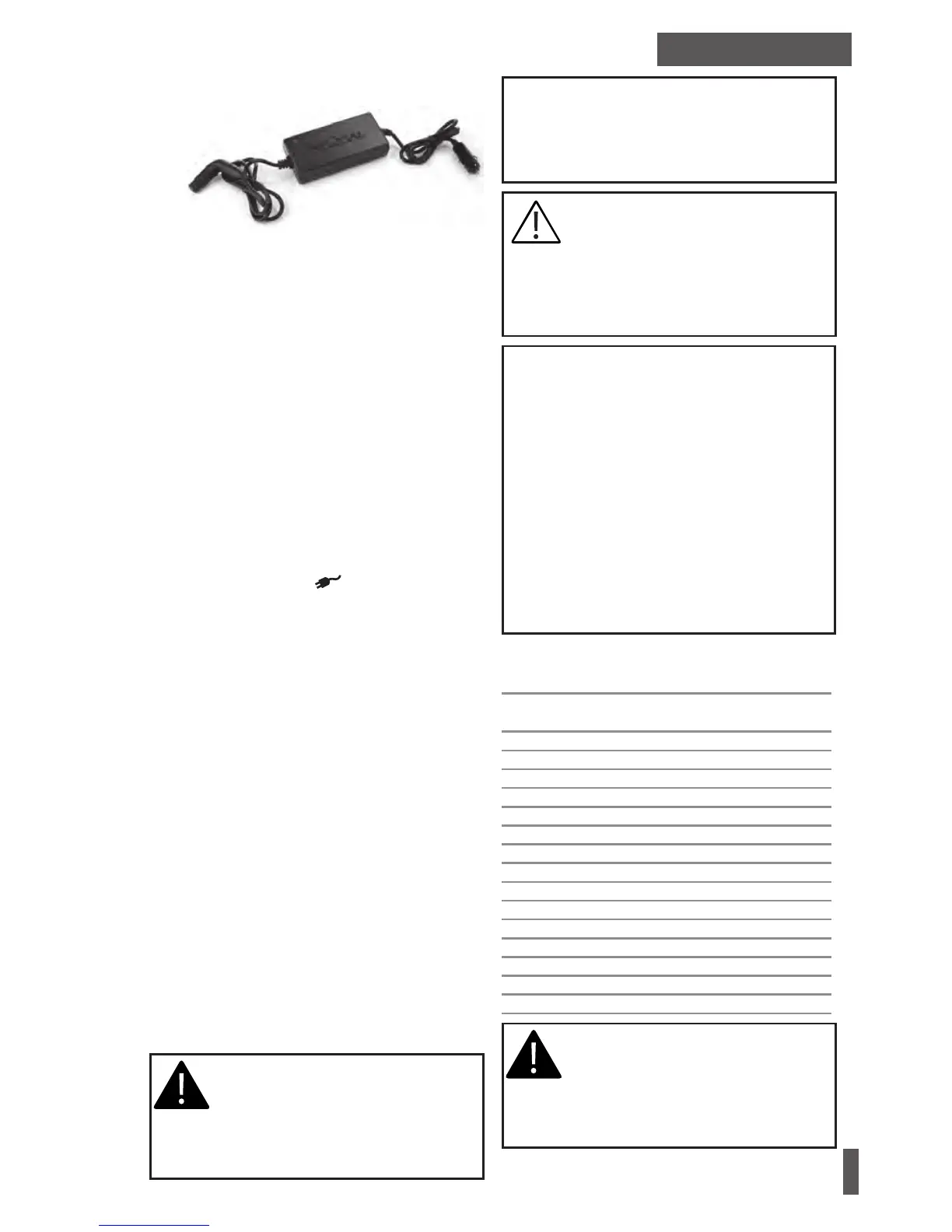
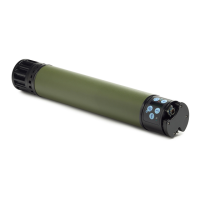
DC Power Supply
Item# 5942-SEQ
DC POWER SUPPLY
A DC Power Supply allows the system to operate
from DC outlets, such as those found in motor
vehicles.
1. Start your vehicle.
2. Insert the DC cord into the recessed power
receptacle on the side of the device.
3. Insert the DC Power Supply plug into the
DC power outlet in your motor vehicle.
4. Start the unit on the lowest ow setting
and slowly increase the ow setting to the
prescribed ow rate. (Starting the unit at a
setting of 3 LPM on DC power can cause a
temporary overload of the power supply).
When the device is properly connected and
receiving power from the DC power source,a
green indicator light on the Power Supply and the
External Power Indicator on the control panel
will illuminate.
Eclipse 5 DC Supply Connection
When the Eclipse 5 is connected to the DC supply
in a vehicle, the following applies:
• The Eclipse 5 is able to run at all continuous ow
settings up to 3.0LPM and all pulse ow settings
up to 9.0 (192 mL) while being operated with
the DC supply in a car.*
• The Eclipse 5 is able to charge the battery while
on DC Supply in a car while running on con-
tinuous ow at 2LPM or less, and at all pulse
settings.*
• If the Eclipse 5 battery is being charged, the
battery symbol will waterfall. If the Eclipse 5
battery is not charging, the battery symbol will
be displayed solid.
*Capabilities of the unit on DC power are depen-
dent on the vehicle electrical system. Some
features or ow settings may not be available
depending on the power available from the
vehicle’s DC power outlet.
WARNING: DO NOT ALLOW EITHER
THE AIR INTAKE OR THE AIR OUTLET
VENTS TO BECOME BLOCKED. THIS
CAN CAUSE THE OXYGEN CONCEN-
TRATOR TO OVERHEAT AND IMPAIR
PERFORMANCE.
WARNING: IF THE VEHICLE’S DC POWER SOURCE
DROPS BELOW 11.5 VOLTS, THE ECLIPSE 5 WILL
REVERT TO THE BATTERY OPERATION (IF THE
BATTERY IS PRESENT AND CHARGED). (THE EX-
TERNAL POWER INDICATOR MAY REMAIN ON.)
CAUTION: The DC Power Supply is
designed for 12VDC minimum (150
Watt) vehicle electrical systems. Do
not attempt to operate with 6V, 24V,
or other vehicle electrical system. De-
vice performance may be impacted by
operating on a 120 Watt DC system.
Note: While operating the device from a DC power
supply, the Battery may not charge if the DC power
source does not supply sufficient power. The Eclipse
will dedicate power to running the device first. Any
leftover power is used to supply a trickle charge to
the battery.
Note: To ensure that the device is utilizing the DC
power, check that the External Power Indicator is
illuminated. If a beep is heard, this could indicate
a loss of external power. Check if the green Battery
Power Verification LED is on or off. If the battery
is removed on DC power, it will ensure no loss of
charge while the unit is running. If the indicator is
not illuminated, the battery is powering the device.
Settings Available When Operating on DC for
Eclipse 5
Flow Setting
(LPM)
Continuous
Bolus Size
(mL)
Pulse
0.5 Yes - -
1.0 Yes 16 Yes
1.5 Yes 24 Yes
2.0 Yes 32 Yes
2.5 Yes 40 Yes
3.0 Yes 48 Yes
- - 56 Yes
- - 64 Yes
- - 72 Yes
- - 80 Yes
- - 88 Yes
- - 96 Yes
- - 128 Yes
- - 160 Yes
- - 192 Yes
WARNING: ACTUAL PERFORMANCE OF
THE ECLIPSE 5 MAY VARY DEPENDING
UPON USAGE CONDITIONS OF THE
MOTOR VEHICLE AND THE PERFOR-
MANCE SPECIFICATIONS OR CONDI-
TION OF ITS ELECTRICAL SYSTEM.


 To Next Page