PN 2118245 C | User Manual 23 - ENG
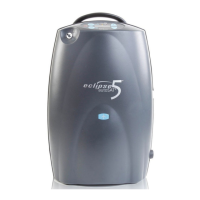
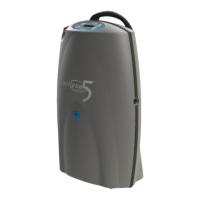
Eclipse 5
Symptom Possible Cause Your Action
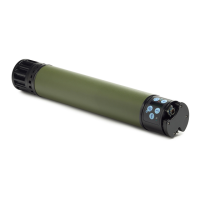
The Power Car-
tridge (battery) is
not charging.
The Eclipse 5 is not
receiving external
AC or DC power to
charge the battery.
1) Verify that the AC or DC outlet is providing power. Do not con-
nect the power supply to an AC dimmer circuit or a power strip.
2) Check that cable connections on power supplies are secure to
the wall/vehicle and concentrator. If using the AC power supply,
check the cable connection on the power supply transformer
as well.
3) Ensure that the power verification lights are on.
- There will be a green light on the power supply box.
- There will be a green light on the Eclipse 5 concentrator control
panel in the shape of a power cord.
4) If power verification LEDs are not lit, remove all connections of
the power supply for 20 seconds and reconnect.
5) If the condition persists, contact your healthcare provider.
The Eclipse 5 is not
properly commu-
nicating the power
cartridge to charge
it.
1) Remove power cartridge and re-install to ensure that it is secure
in the concentrator.
2) Inspect the Eclipse 5 for a solid yellow light when the battery is
installed, or a flashing battery icon when attempting to charge.
If either of these symptoms is present, continue to step 3
3) If possible, install a separate power cartridge in the Eclipse 5.
If the replacement cartridge works properly, then the original
cartridge needs to be replaced.
4) If this problem persists, contact healthcare provider.


 To Next Page