11
HDMI
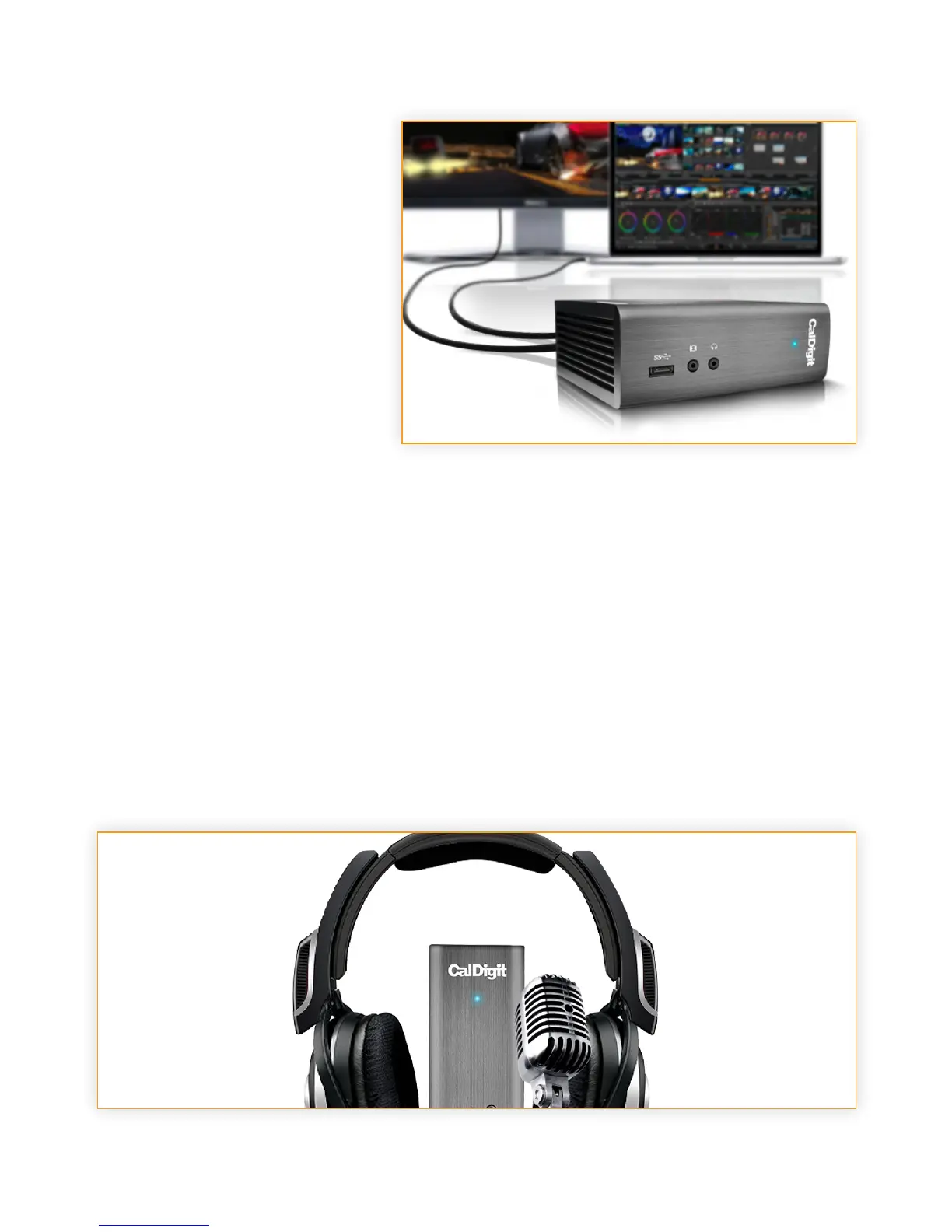
Not only can you connect any HDMI
monitor to the Thunderbolt™ Station
2, but you have the option of using a
4K HDMI monitor that is 4 times the
resolution of HD video.
Any display connected to the HDMI
port will be regarded as a secondary
display by default. This can be
changed in the “Display” section
under “System Preferences”.
Audio
The Thunderbolt™ Station 2 has one Audio Input and one Audio Output. The audio devices must
be set in the “Sound” section under “System Preferences”. The Thunderbolt™ Station 2‘s audio
device will show as USB audio CODEC.
Ethernet
The Thunderbolt™ Station 2 has a single Gigabit Ethernet port to connect to a Gigabit Ethernet
network. Your computer will connect to whichever network is connected to the Thunderbolt™
Station 2 by default. These settings can be changed in the “Network” section under “System
Preferences”. The Ethernet port also supports wake-on-LAN which allows your computer to wake
from standby remotely via the network.



 To Next Page