8
Connecting the Thunderbolt™ Station 2 to your computer
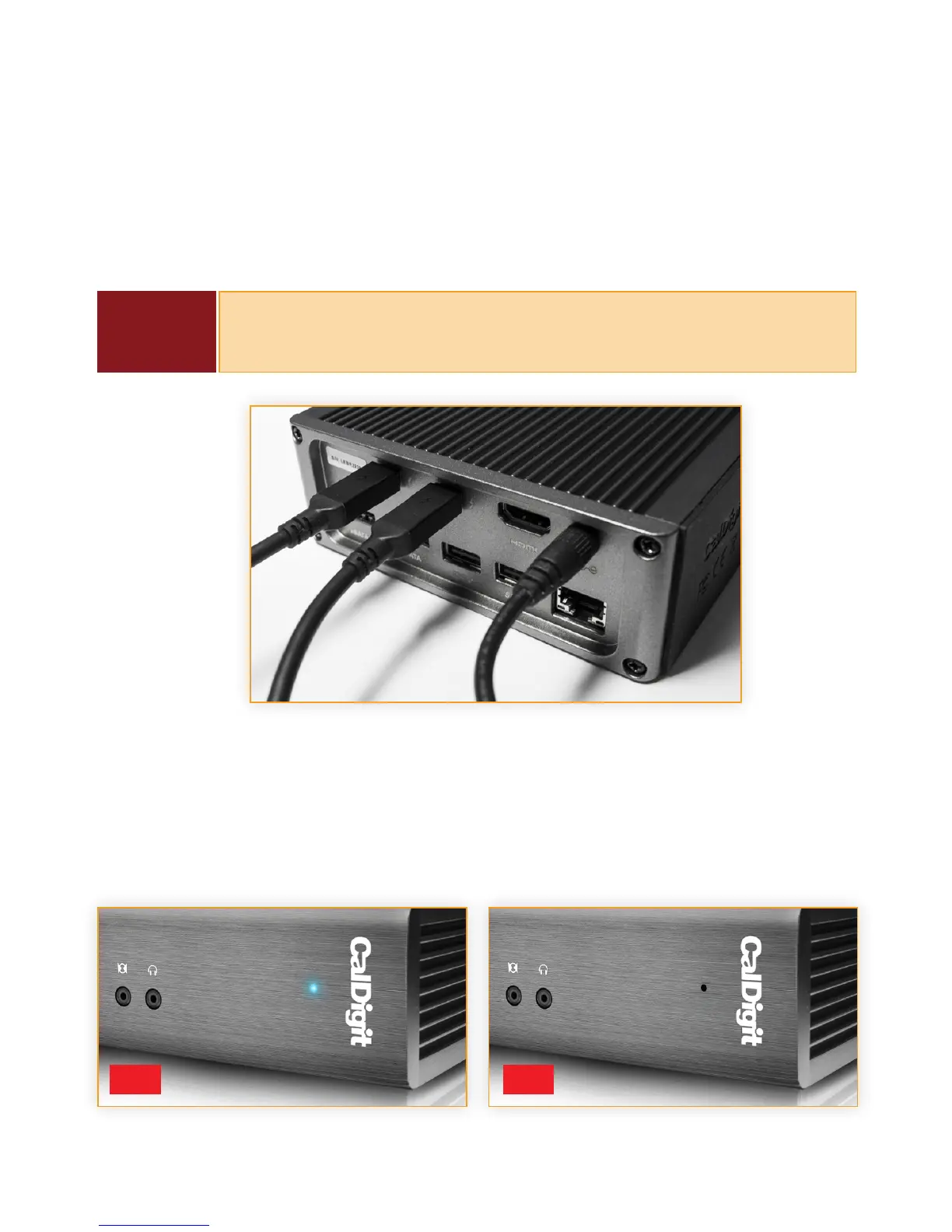
Once the Thunderbolt™ Station 2 has been powered, connect the device using a Thunderbolt™
cable (not included) from one of the Thunderbolt™ ports on the Thunderbolt™ Station 2 to the
Thunderbolt™ port on your Mac computer. The dual Thunderbolt™ ports on the Thunderbolt™
Station 2 enable eortless daisy chaining.
LED Indicator
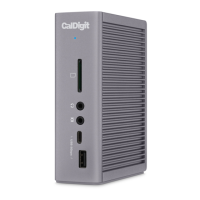
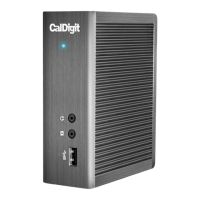
The Thunderbolt™ Station 2 is equipped with a LED indicator, which will display a blue light if
the unit is powered on and connected to a computer, signaling that it is ready for use. If the
Thunderbolt™ Station 2 is powered but not connected to a computer via Thunderbolt™, the LED
indicator will not turn on.
NOTE
It is highly recommended that 2nd generation Thunderbolt™ cables are
used for stability and performance. Certied Thunderbolt™ cables can be
purchased from CalDigit.
ON OFF


 To Next Page