3
1. General Information
Introduction
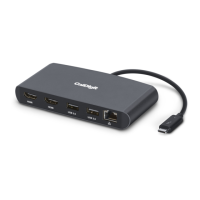
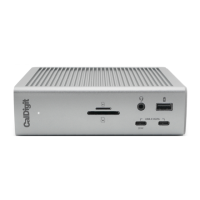
The CalDigit Thunderbolt™ Station 2 is the successor to the original Thunderbolt™ Station that
brought a new level of connectivity to modern streamlined computers via a single Thunderbolt™
cable. The Thunderbolt™ Station 2’s design combines the original Thunderbolt™ Station’s
outstanding functionality with a host of new features to create the ultimate Thunderbolt™ device.
Please read the Thunderbolt™ Station 2 manual thoroughly and familiarize yourself with
the product before use.
Avoid using the Thunderbolt™ Station 2 in extremely hot and cold environments. A safe
temperature range is between 40°F – 95°F (4.4°C - 35°C).
Avoid using the Thunderbolt™ Station 2 in humid environments. Moisture and condensation
can accumulate in the device and cause damage to the electrical components.
Only use the power adapter that has been supplied with the Thunderbolt™ Station 2. An
excessive or inadequate power supply can result in unstable performance or device failure.
•
•
•
•
Keep the Thunderbolt™ Station 2 away from liquids and moisture. Exposure to liquids can
result in damaging the unit, electric shock, and result in a re hazard.
If your Thunderbolt™ Station 2 gets wet while it is still o, do not turn it on. In the case of
any issue with the device, do not attempt to repair or open the device yourself. Doing so
can result in personal injury, damage the device, and will void the warranty. If you have any
issues, please contact CalDigit Technical Support.
•
•
General Use Warnings
Safety Warnings



 To Next Page