6
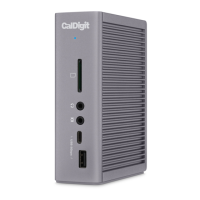
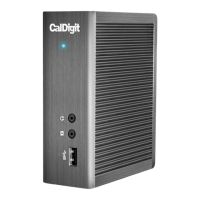
2. Using the Thunderbolt™ Station 2
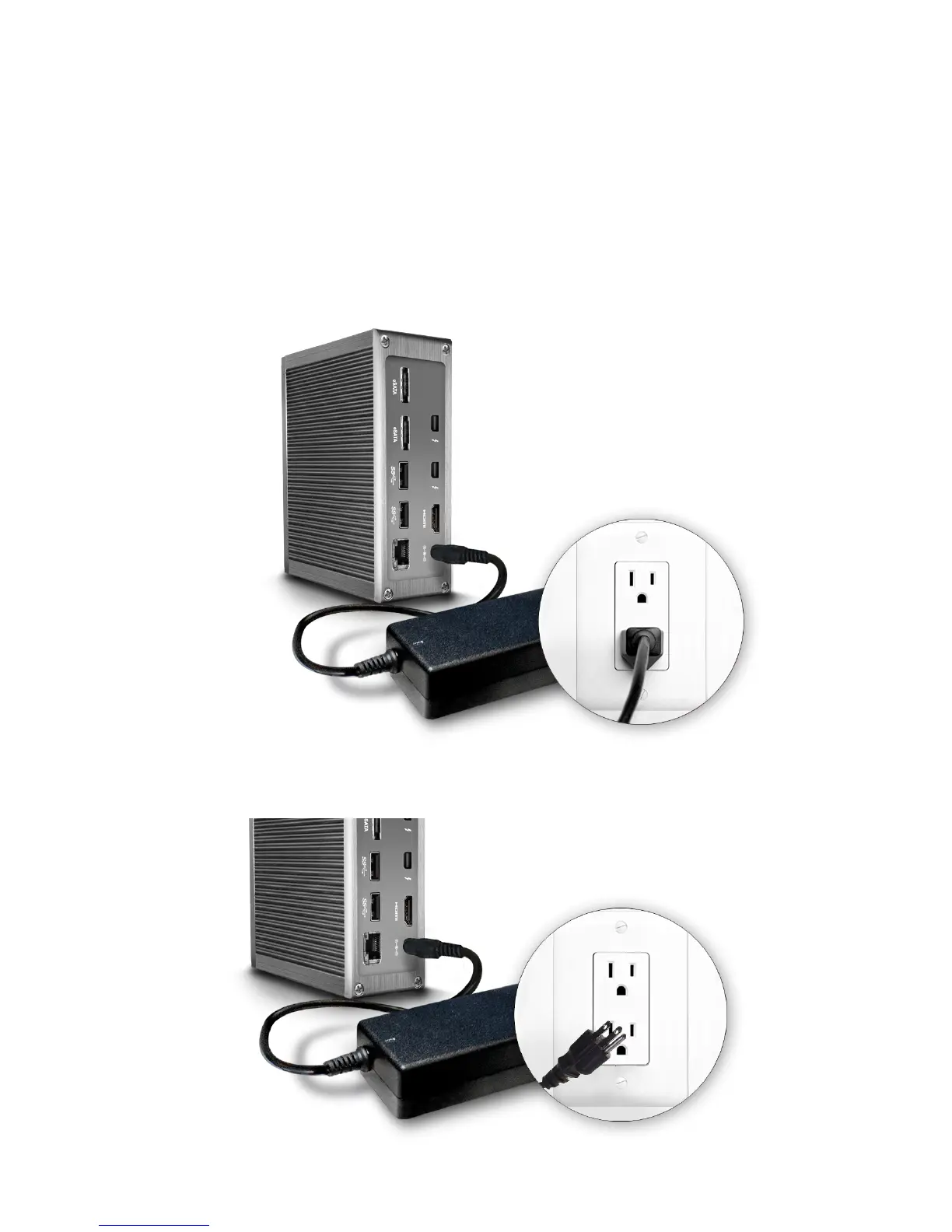
The CalDigit Thunderbolt™ Station 2 requires power from the AC adapter to operate. Connect
the AC adapter connector to the DC jack on the back of the Thunderbolt™ Station 2 and the
other side to an AC outlet.
1.
To power o the Thunderbolt™ Station 2, disconnect the power cable from the AC outlet.2.
Powering the Thunderbolt™ Station 2


 To Next Page