13
CXU
ENGLISH
Pure audio mode
7YLZZ [OL7\YL (\KPVI\[[VU VU[OLYLTV[L JVU[YVS[V [\YUVɈ ]PKLVHUK
LU[LY7\YL(\KPVTVKL=PKLVV\[W\[^PSSIL[\YULKVɈ
2. Press the Pure Audio button again to resume video and cancel Pure Audio
mode.
6KXυH
When playing a CD or SACD, press the Blue button on the remote control
[V HJ[P]H[L [OL:O\ɊL HUK9HUKVT TVKLZ,HJO WYLZZ VM[OL )S\LI\[[VU
Z^P[JOLZ [OL WSH`IHJR TVKL PU [OL MVSSV^PUN ZLX\LUJL! :O\ɊL 9HUKVT
and Normal.
Connecting a USB Drive
The CXU is equipped with three USB 2.0 ports, one on the front of the unit
and two on the back. You may use any USB port to plug in a USB drive
SVHKLK ^P[O KPNP[HS T\ZPJ TV]PLZ HUK WOV[V ÄSLZ <:) KYP]LZ T\Z[ IL
MVYTH[[LK^P[O[OL-(;-(;VY5;-:ÄSLZ`Z[LT
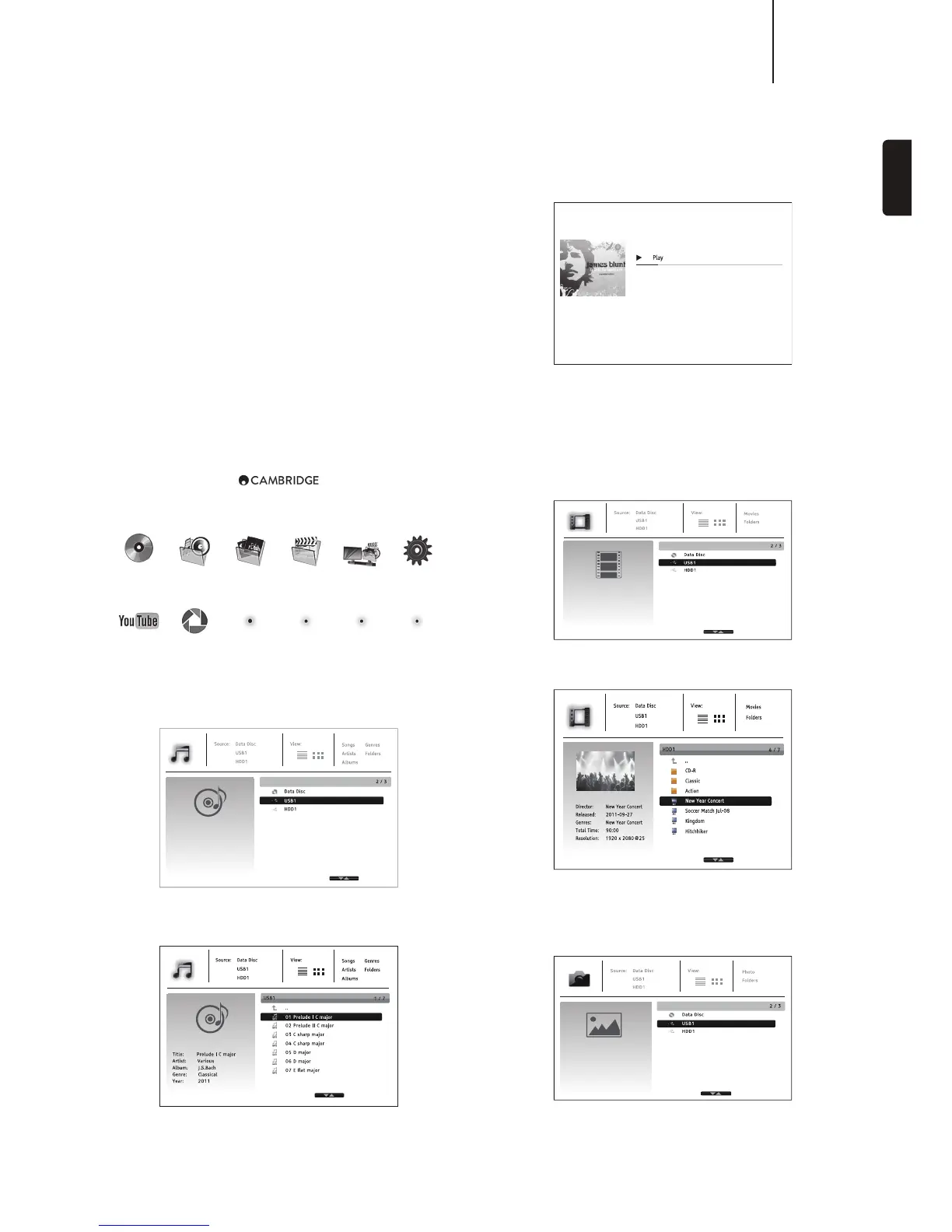
Using the home menu
YouTube
Music
Picasa
Photo Movie Network Setup
Note: Streaming services are usually regional so any services that may be
made available will usually vary from country to country.
3OD\LQJPXVLFðOHV
:LSLJ[[OL+H[H+PZJVY<:)KL]PJL[OH[JVU[HPUZ[OLT\ZPJÄSLZ;OLWSH`LY
^PSS[HRLHTVTLU[[VYLHK[OLKPZJHUKSPZ[[OLMVSKLYZHUKT\ZPJÄSLZ
In the music browser, use the / button to move the cursor and select
T\ZPJÄSLZ7YLZZ[OL,U[LYVY button to start playback.
The following operations are available while the Now Playing screen is shown:
Title:
Artist:
Album:
Genre:
High
James Blunt
Back To Bedlam
Pop
01 High.mp3
1 / 10 00:00:09 / 00:04:03
Normal playback control – , , , /, , and .
Special playback modes¶9LWLH[HUK:O\ɊL9HUKVT)S\LJVSV\YI\[[VU
Return to the browser without stopping the music: Press the Return button.
Stop playback and return to the browser: Press the button once.
3OD\LQJPRYLHðOHV
:LSLJ[[OL+H[H+PZJVY<:)KL]PJL[OH[JVU[HPUZ[OLTV]PLÄSLZ;OLWSH`LY
^PSS[HRLHTVTLU[[VYLHK[OLTLKPHHUKSPZ[[OLMVSKLYZHUKTV]PLÄSLZ
In the movie browser, use the / buttons to move the cursor and select the
TV]PLÄSL7YLZZ[OL,U[LYVY buttons to start playback.
9LHZLQJSKRWRðOHV


 To Next Page