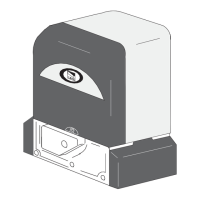
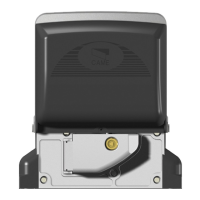
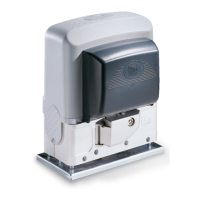
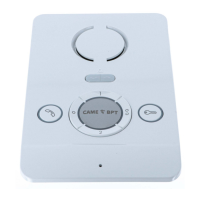
Bianca
3
a
b
c
d
e
f
X 5
beep
+
–
M2
VAS/101
230 V
A
BIANCA-C
M1
B
-
+
BOUT
-
-
-
M1
INT
1/2 3/4
PLACO-C
Automatisme
CAME
Relais
12Vcc
M2
2
INTERCOM 1/2 INTERCOM 3/4
2
VAS/101
2
–
B
INT
M1
3/4
1/2
2
1
2
INT
1/2 3/4
INT
1/2 3/4
INT
1/2 3/4
INT
1/2 3/4
EN
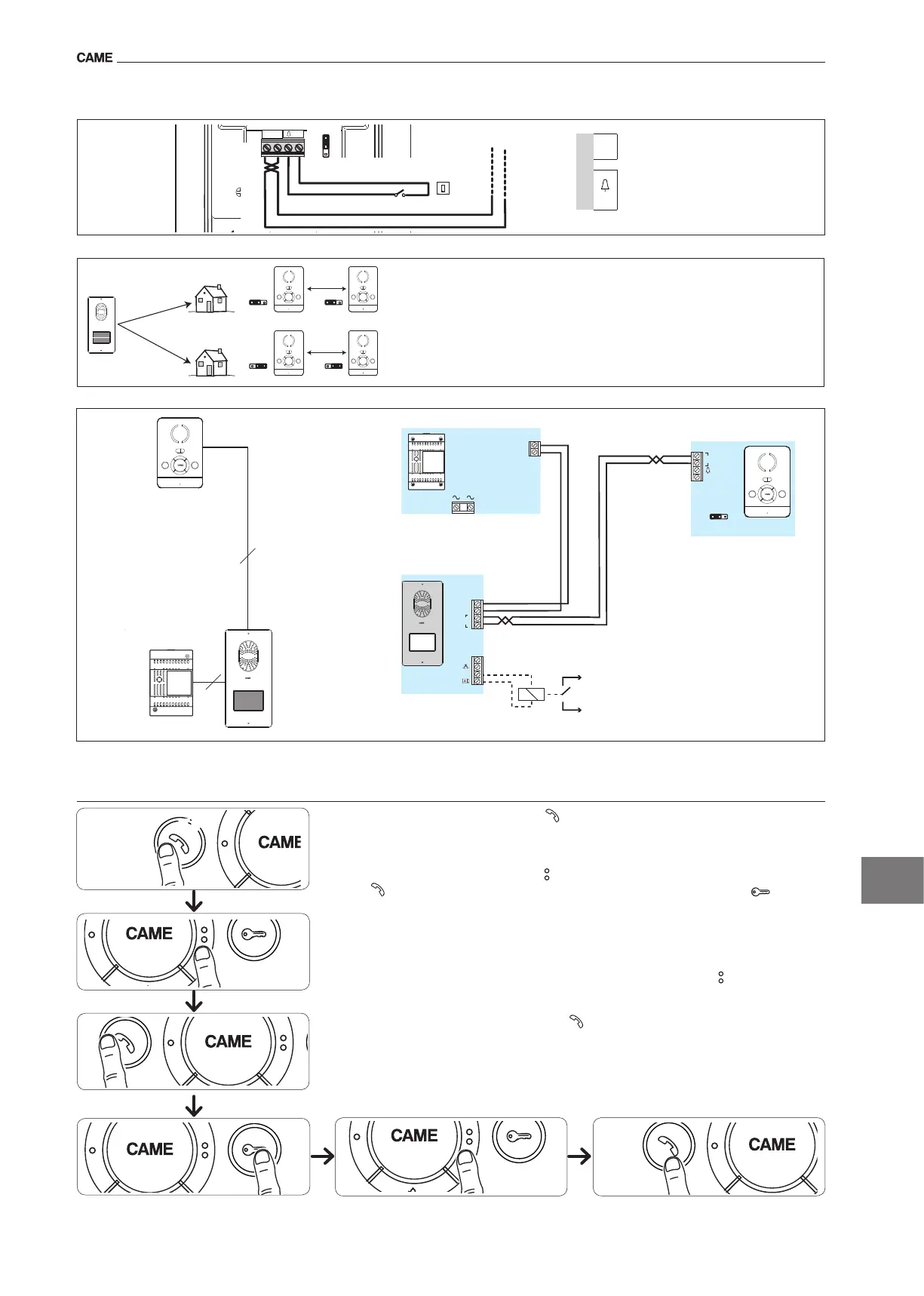
Selections
TheINTjumperisusedtocreatetwoseparateintercomgroups:leavetheINTjumper
inposition“1/2”onthereceiversoftherstgroupandmovetheINTjumpertoposition
“3/4”onthereceiversofthesecondgroup.
Terminal boards
M1
B
BUSlineinput
(notpolarised)
–
Doorbell
Connection examples
Accessing programmingPressthebutton vetimeswithin5s.Abriefacousticsignalwillconrm
thatprogramminghasbeenaccesseda.
Programming the melody associated to the call from the entry panel (1 acoustic signal).Tohear
themelodiesinsequence,pressthebutton b.Toselectthemelodyandexitprogramming,pressthe
button c.Toselectthemelodyandcontinuewithprogramming,pressthebutton d.
Programming the melody associated with the doorbell (2 acoustic signals).Forthistypeofpro-
grammingb c dproceedaspreviouslydescribedfor“Programmingthemelodyassociatedtothe
callfromtheentrypanel”.
Programming the number of call rings (3 acoustic signals).Pressthebutton thenumberoftimes
equaltothenumberofringsselectedforthecall(from1to6rings)e.3safterthebuttonispressed
thelasttime,thecallselectedfortheselectednumberofringswillbewillbereproduced.Toselectthe
melodyandexitprogramming,pressthebutton f.
Programming
y For call programming, see the entry panel documentation.


 To Next Page
 Loading...