10 11 E 1 2 7 C13P
#,3%.3
:,
/03%.3
-/4/2&53%
!&
/.
!##&53%!&
,).%&53%
!&
/0%.
/0#,
!&
6 6 6
-.
%
%.#2!$)/
!#4
3,/73%.3
#"/!2$&53%M!&
,4
,
,4
.
/.
ON
OFF
p.
14 - Manual
FA00045-EN v.
2 - 09/2016 - © Came S.p.A. - The contents of this manual may be changed, at any time, and without notice.
Safety devices
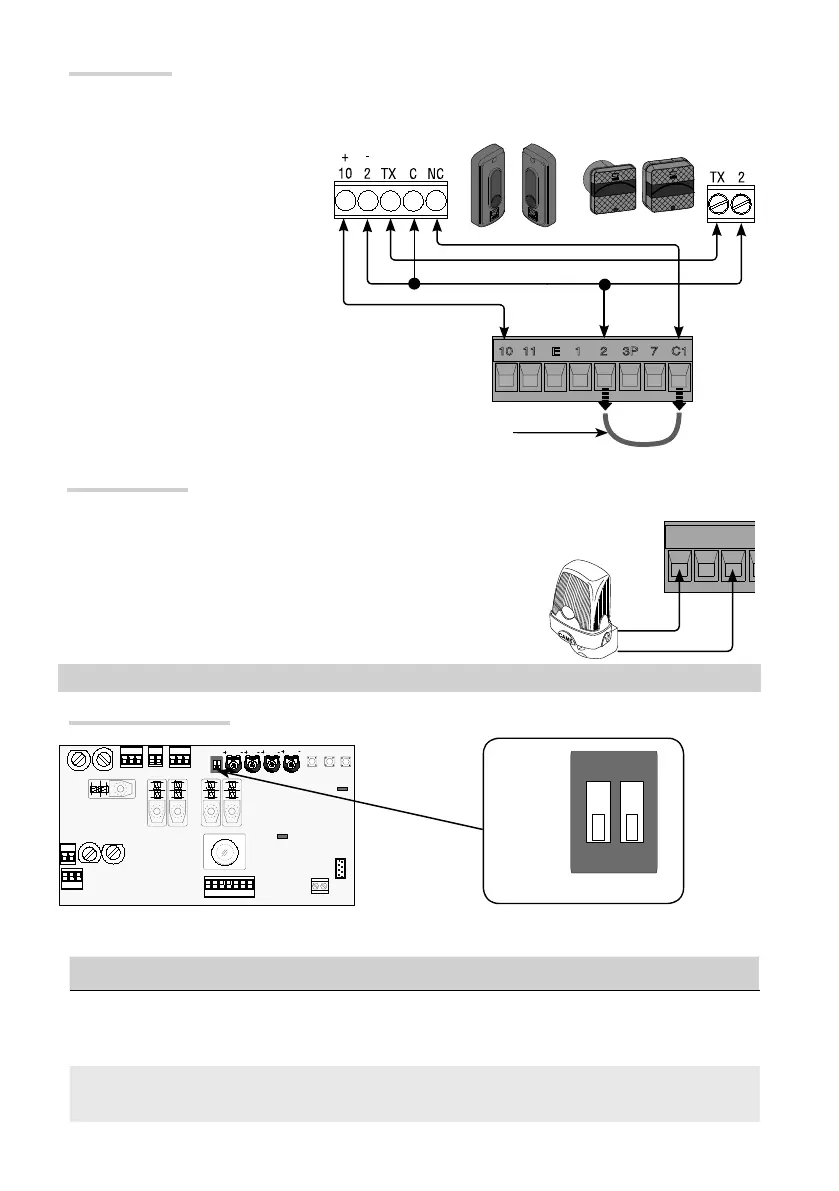
Reopening while closing function (NC contact). When the door is opening, opening the contact causes the
door to invert its movement until it is completely open.
If a device is connected, remove the bridge
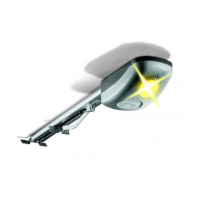
Signaling devices
Flashing light connecting (contact rated for: 24 V AC - 25 W max).
It fl ashes during the door's opening and closing phases.
Selecting DIP switches
DIP-SWITCH Description of functions
1 ON
It activates the opening and closing limit-switch setting procedure and the delayed-opening
setting procedure.
(1 OFF - deactivated)
2 ON
Activate the procedure for partial opening and closing slow-down programming.
(2 OFF - deactivated)
PROGRAMMING


 To Next Page
 Loading...