$
Scanner
®
2000 microEFM Appendix A
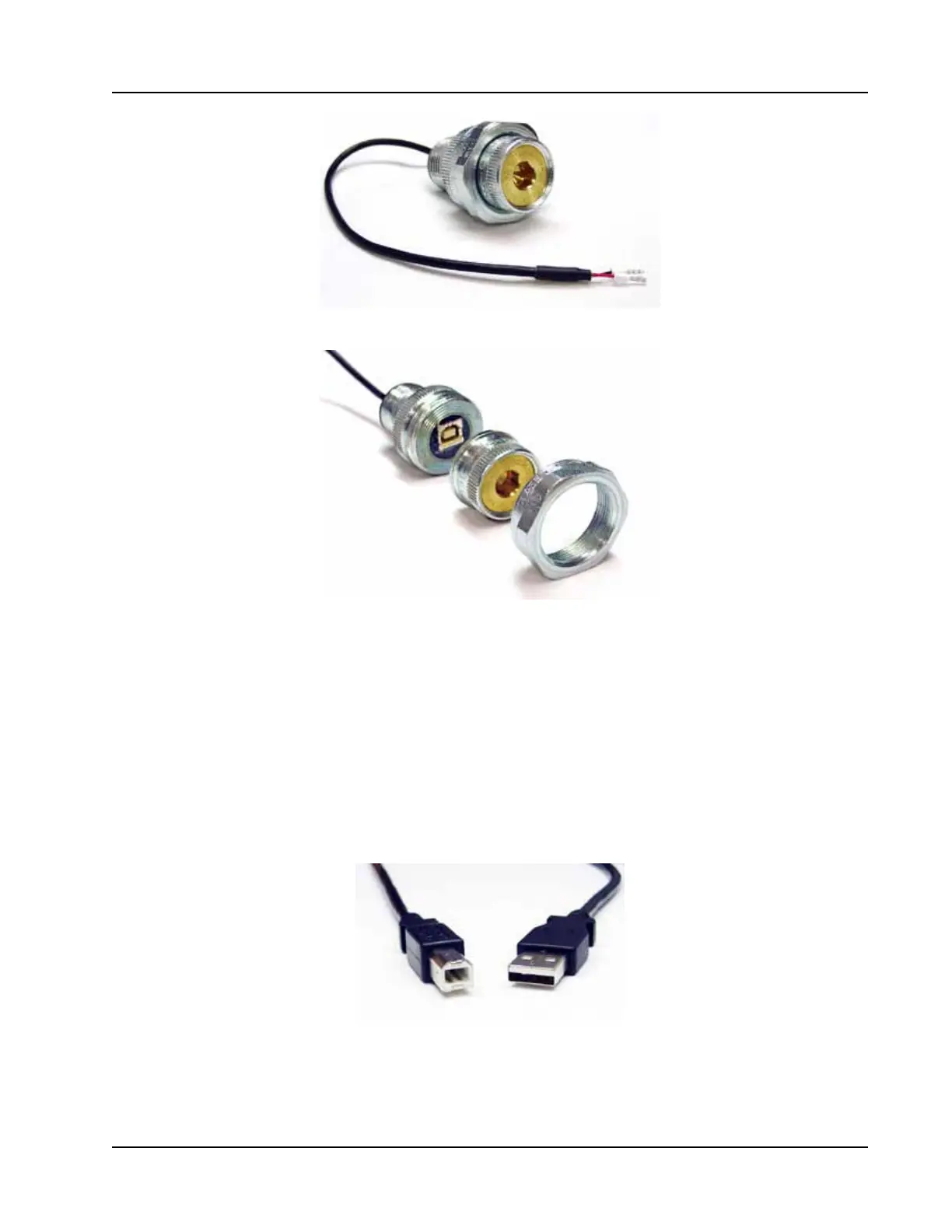
Figure A.10—NuFlo USB adapter
Figure A.11—NuFlo USB adapter components
Using the Adapter
7KH&'VXSSOLHGZLWKWKH1X)OR86%$GDSWHUFRQWDLQVWKHGULYHUVUHTXLUHGWRHQDEOH86%FRPPXQLFDWLRQV
IRUD6FDQQHUZKHQWKH1X)/R86%$GDSWHULVLQVWDOOHG
For step-by-step installation instructions, insert the CD in your computer and follow the instructions in the
1X)OR86%$GDSWHUB5HDGPH¿OH7KHVRIWZDUHZLOOLQVWDOOWKHDSSURSULDWHGULYHUWKDWLVFRPSDWLEOHZLWK\RXU
FRPSXWHU¶VRSHUDWLQJV\VWHP
7RFRPSOHWHLQVWDOODWLRQDQGFRQQHFWWRD6FDQQHUDXVHUVXSSOLHGXQLYHUVDOVHULDOEXV86%$%FDEOHLV
UHTXLUHG)LJXUH$
Figure A.12—User-supplied USB A/B cable
When the software is fully installed, the adapter can be connected to the computer and used to connect to the
6FDQQHUYLD0RG:RU;3UR7RROV6HOHFW&203RUW)RUPRUHLQIRUPDWLRQRQ0RG:RU;3URVHHWKH
0RG:RU;3UR8VHU0DQXDO3DUW1R$



 To Next Page