24
7.4 – Control Menus
7.4.1 – View Menu (Read-Only)
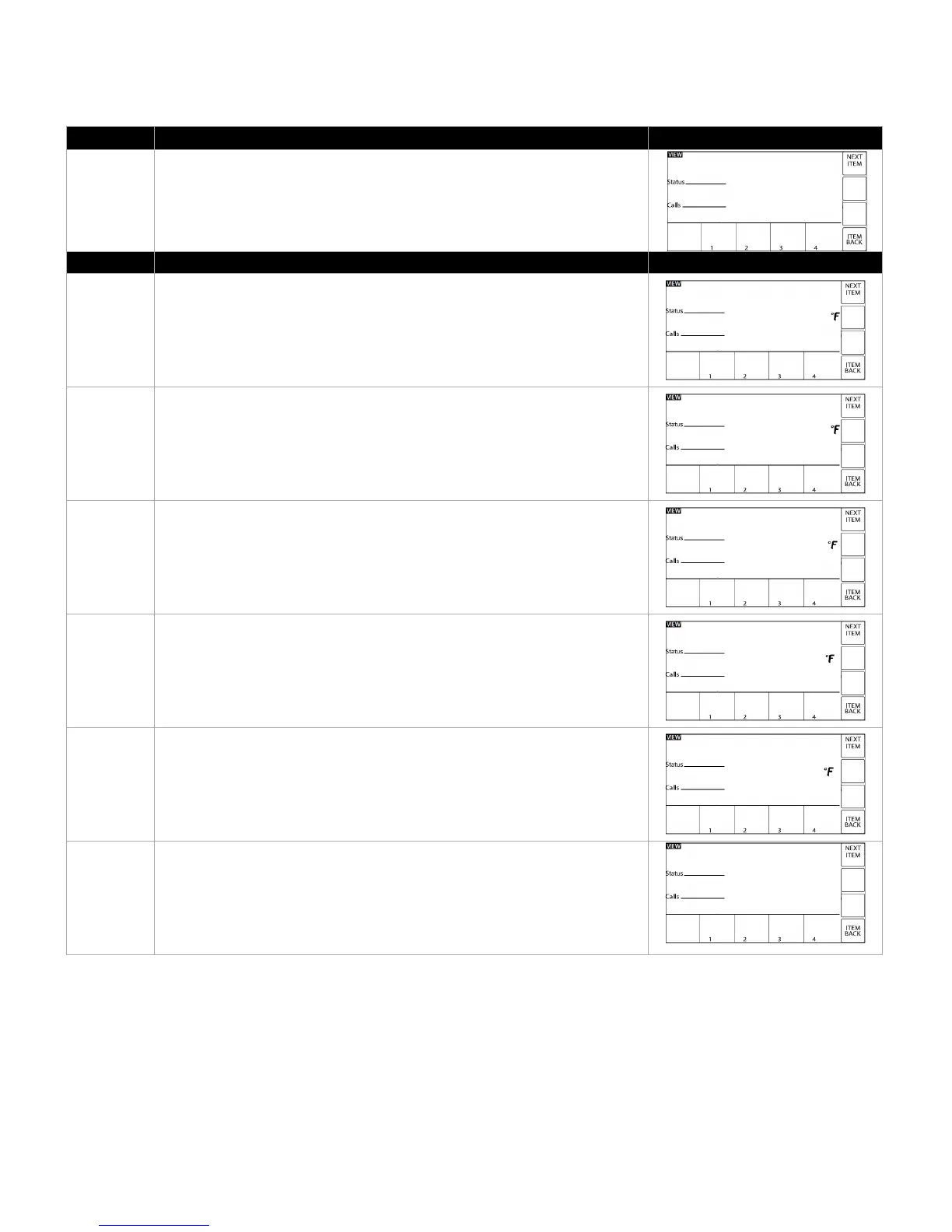
The standard home screen of the VTech is the VIEW MENU, which allows
easy review of the current operating condition. The standard screen
displayed is the current TARGET SETPOINT. Operational status (i.e.
“IDLE”) is also displayed.
The menu is view only, no parameters are adjusted here.
TANK TOP – Real-time water temperature at the top of the tank.
TANK BOTTOM – Real-time water temperature at the bottom of the tank.
TANK AVG – Average water temperature between the top and bottom
sensors.
TANK ΔT (or Temperature Difference) – Temperature difference between
the top and bottom sensors.
FLUE TEMPERATURE – Real-time flue temperature of the appliance.
FLAME CURRENT – Real-time measure of the flame sensor reading (varies
form 0.0 to 5.0).



 To Next Page