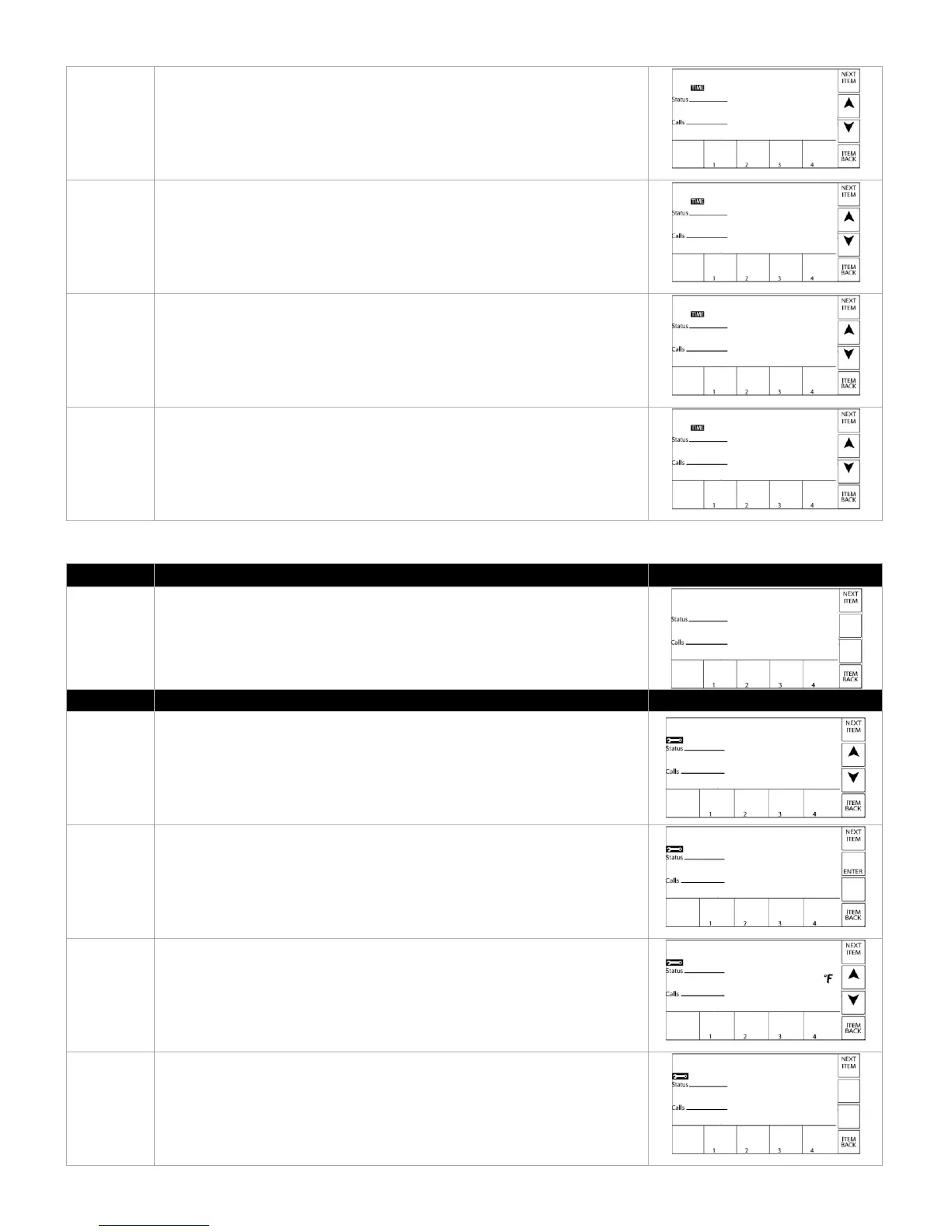
SET DATE – Set current date, including month, day and year.
DST – Enable or disable daylight savings time.
TIME DISP – Adjust to display the current time in either a 12 or 24 hour
format.
CLOCK – Enable or disable to clock readout in the VIEW MENU.
The TOOLBOX MENU contains the error log. It is also where the login to the
PIM at the installer level takes place. Adjustment of the display units to
metric is through this menu.
ACCESS – Used to login to the control at the installer level, to have access
to more advanced settings.
Default: USER
Option: INST (Installer)
SW – Device type, not used. This is for factory purposes only.
TEMP UNIT – Select between Fahrenheit or Celcius.
Default: Fahrenheit
ERROR LOG – The BTCII will store the last 15 errors, accessed by pressing
NEXT ITEM or ITEM BACK.



 To Next Page