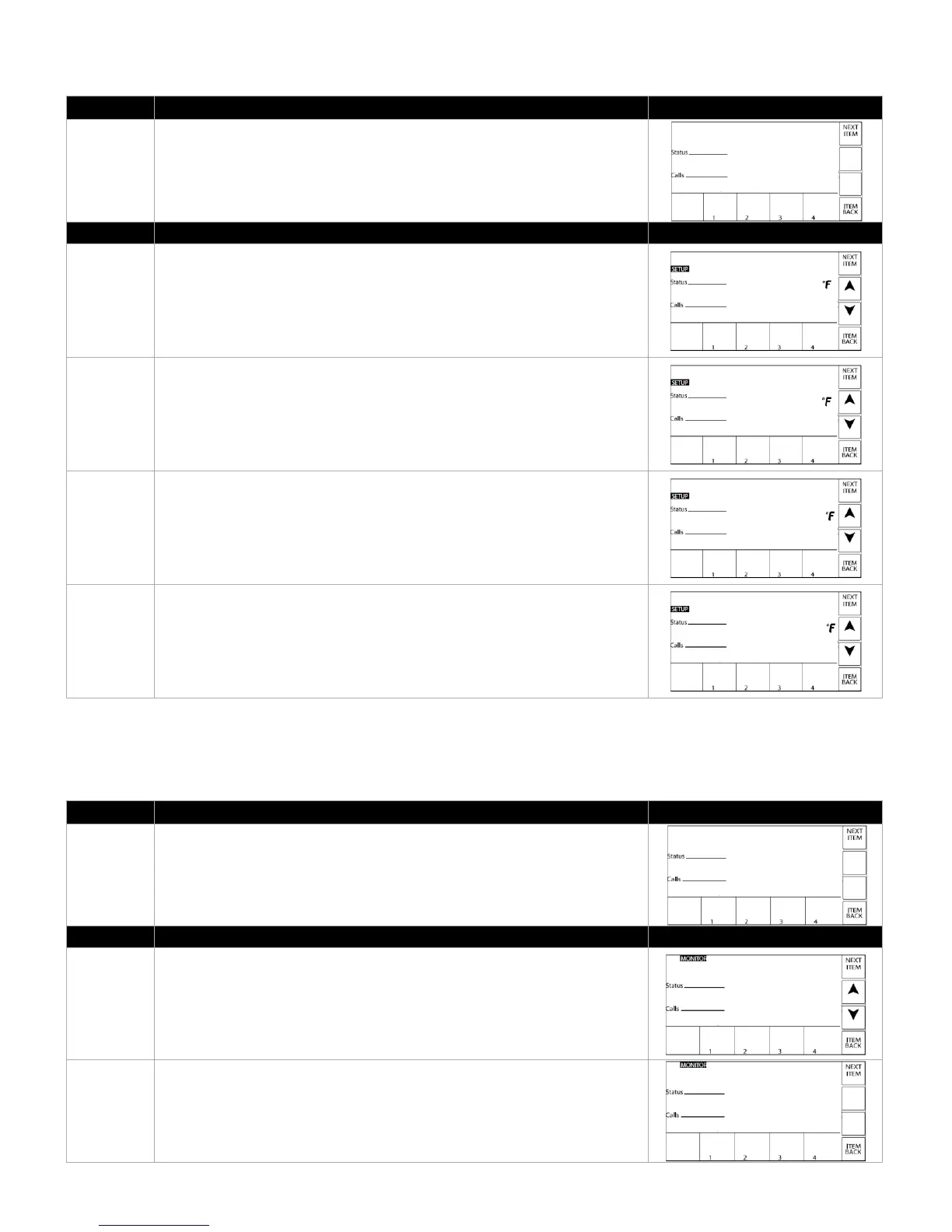
The SETUP MENU allows adjustment of basic operating parameters. The
setpoint is adjustable to the user at this level.
SETPOINT – This is the desired setpoint.
Default – 140°F
Range – 70°F to 190°F
DIFF ON – Used to activate the unit if the TANK TOP temperature drops to
the setpoint minus DIFF ON.
Default – 5°F
Range – 0°F to 15°F
DIFF OFF – Used to de-activate the unit if the TANK TOP temperature
reaches the setpoint minus DIFF OFF.
Default – 2°F
Range – 0°F to 15°F
DIFF – Defines the range below DIFF OFF to modulate heating output.
Default – 15°F
Range – 2°F to 60°F
The MONITOR MENU allows viewing of more detailed operaitonal data than
the VIEW MENU. This menu will also record historical data for later
reference. Press CLEAR for three (3) seconds to clear any of these
parameters. This level is accessible to the user.
BURNER RUN TIME – Burner operaitonal time as recorded in hours.
CYCLES – Number of operating cycles on the appliance.



 To Next Page