EN 12 EN 13
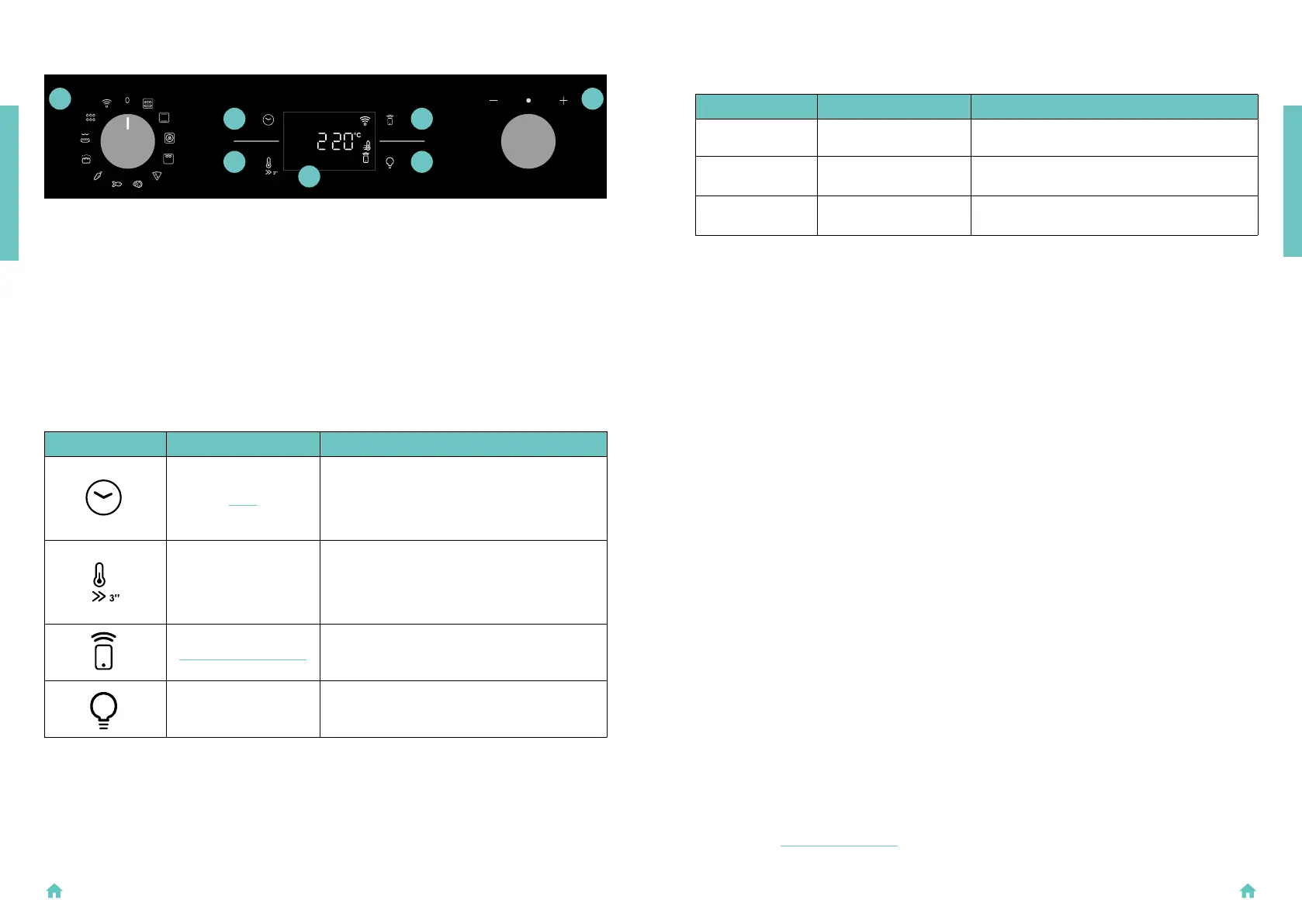
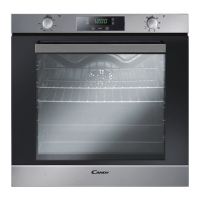
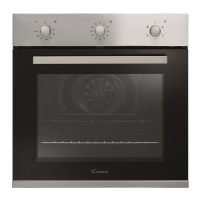
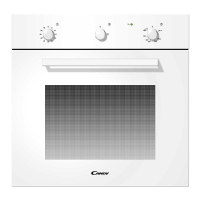
2.3 CONTROL PANEL
Functions and function ranking can be changed depending on the model.
1. Function selector knob
2. Time
3. Temperature
4. LED display
5. Remote control
6. Lamp
7. Dial control
MAIN FUNCTIONS
The display has 4 main functions:
Symbol Function Description
Time
Press once for cooking duration, twice for the
minute minder (available in standby mode), three
times for the time of day, and four times for delay
start. In standby mode, only the kitchen timer is
accessible.
Temperature
Press once to check the cavity temperature, press
and hold for 3 seconds to activate the fast-pre-
heating option (only available during the oven's
preheat phase). When the preheat is active, the
releated icon will be shown on the display.
Remote Control on/off
Press the button to activate remote control, after
pairing the oven with the hOn app (through the
application).
Light Press to turn on/off the oven cavity light.
1
2
5
3
6
7
4
PRODUCT INTRODUCTION
2.4 CONNECTIVITY
Wireless parameters
Technology Wi-Fi Bluetooth
Standard IEEE 802.11 b/g/n Bluetooth v4.2, BR/EDR, BLE
Frequency Band(s)
[MHz]
2401 ÷2483 2402÷2480
Maximum Power
[mW]
100 10
Product information for networked equipment
Power consumption of the product in networked standby if all wired network ports are connected and
all wireless network ports are activated:
2,0 W.
How to activate wireless network port:
WIFI module switches on as soon as the function knob is set to a position different to zero.
How to deactivate wireless network port:
WIFI module is always off when the function knob is set to zero position.
If the knob is set to different position, go to WIFI menu and select off to deactivate the WIFI.
Hereby, Candy Hoover Group Srl declares that the radio equipment is in compliance with Direc-
tive 2014/53/EU and with the relevant statutory requirements for the UK market.
The full text of the declaration of conformity is available at the following internet
address: www.candy-group.com
PRODUCT INTRODUCTION


 To Next Page