MONITORING
12
EN
Specifications
* All dimensions and weights are approximate.
• Depending on the situation, the screws may become loose. If necessary, use the hex wrench
for 0.64 cm, 1/4" screws to tighten them.
• Maintenance of the LCD screen
– Clean the LCD screen using a clean, soft lens-cleaning cloth and commercially available
cleaning fluid for eyeglasses.
– Condensation may form on the surface of the screen when the temperature changes
suddenly. Wipe it with a soft dry cloth.
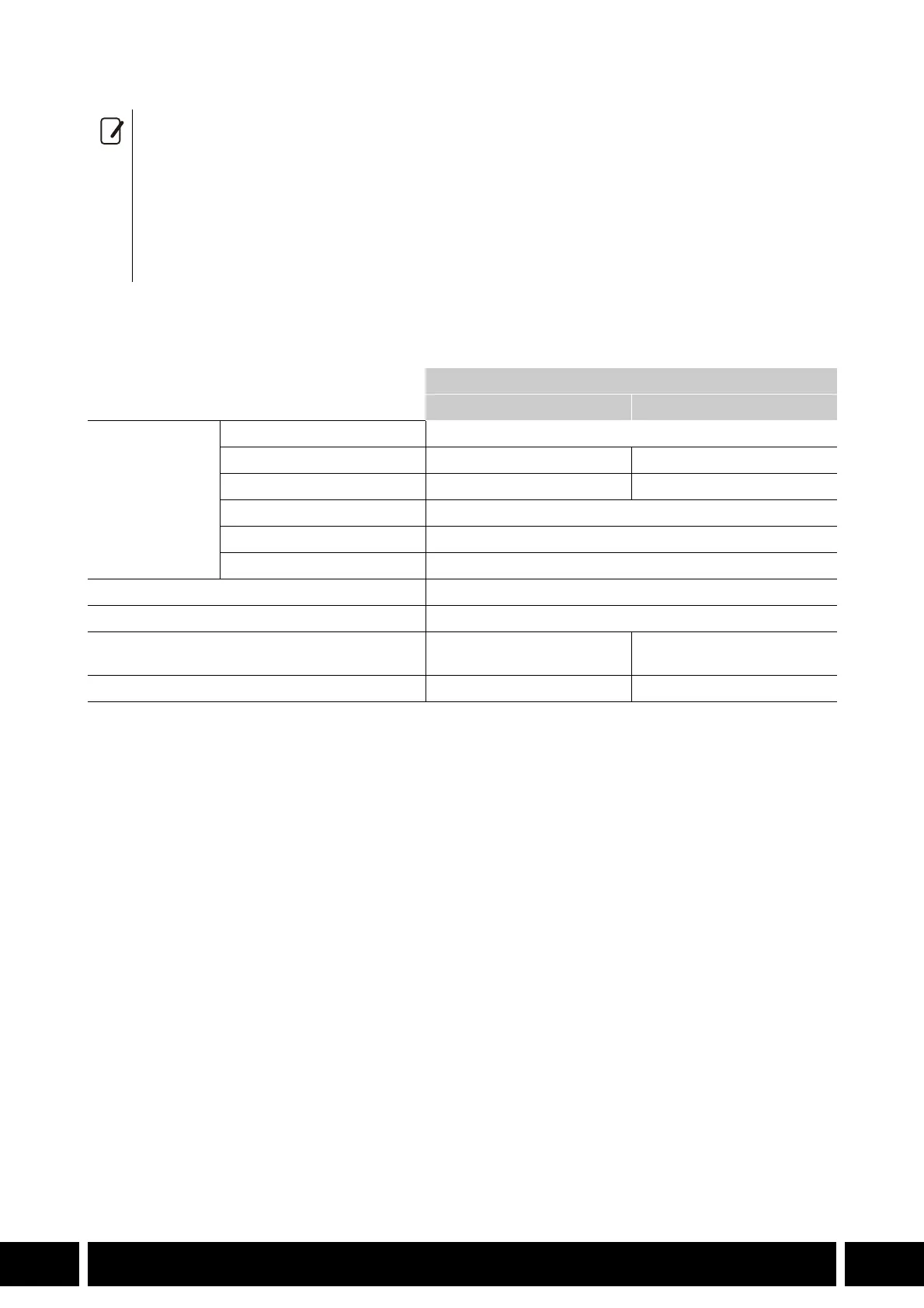
LCD Monitor
LM-V1 LM-V2
Screen
Type Color LCD
Size 10.1 cm (4.0 in.) 10.9 cm (4.3 in.)
Approximate dot count 1,230,000 2,760,000
Aspect ratio 16:9
Coverage 100%
Touch screen Capacitive touch screen operation
VIDEO terminal Exclusively for connecting the camera
Operating temperature 0 °C – 40 °C (32 °F – 104 °F)
Dimensions* (W x H x D) 120 x 75 x 37 mm
(4.7 x 3.0 x 1.5 in.)
133 x 87 x 38 mm
(5.2 x 3.4 x 1.5 in.)
Weight* 185 g (6.5 oz.) 204 g (7.2 oz.)



 To Next Page