ADDED FUNCTIONALITY AND LENS COMPATIBILITY
35
EN
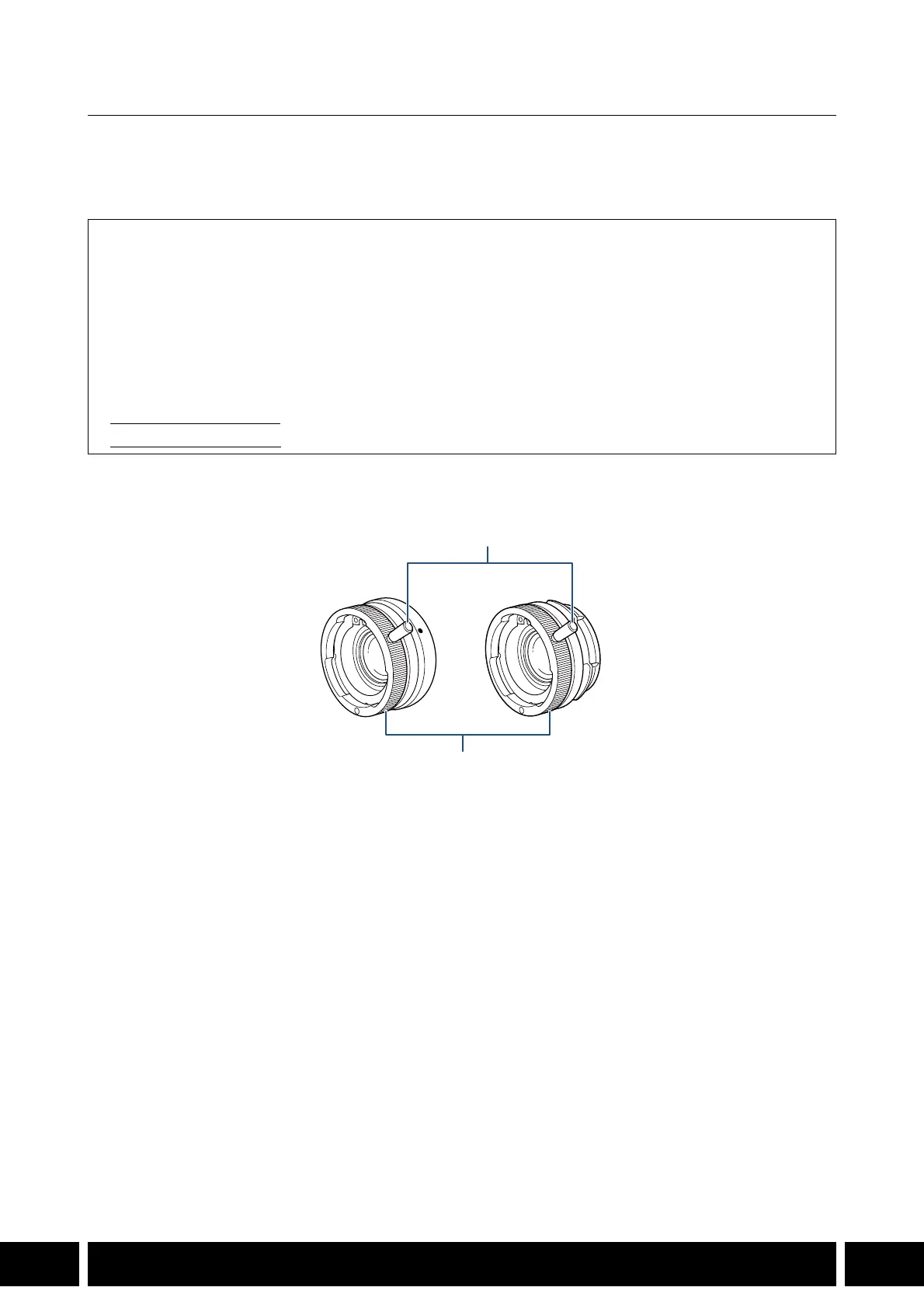
MO-4E / MO-4P B4 Mount Adapter
Attach the mount adapter to the camera to use professional B4 broadcast lenses. Use the MO-4E with
cameras with an EF mount and the MO-4P with cameras with a PL mount. For details about compatible
lenses, refer to the instruction manual of the camera being used.
Names of Parts
Supplied Accessories
Lens Cap
Dust Cap
Lens Support Bracket A*
Lens Support Bracket B*
* The lens support bracket required depends on the lens used. Check the following list of compatible lenses and
make sure to use the correct lens support bracket.
• Lens Support Bracket A: HJ14ex4.3B / HJ17ex7.6B
• Lens Support Bracket B
: HJ18ex7.6B / HJ22ex7.6B / HJ24ex7.5B
1 Bayonet ring handle
2 Bayonet ring



 To Next Page