64
Adjusting Brightness of the Displayed Image
You can adjust the brightness and contrast of the displayed image.
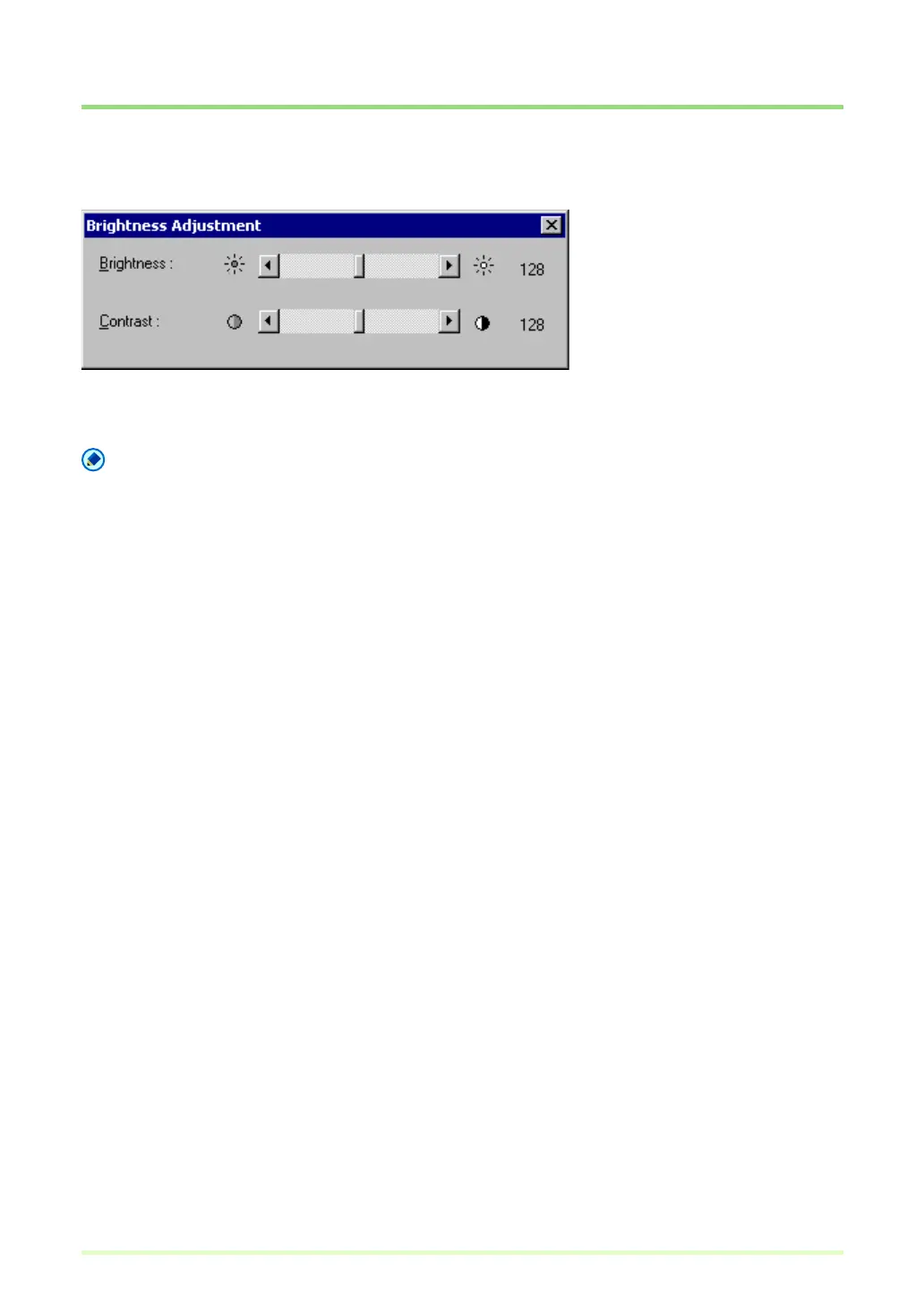
Select Brightness in the Edit menu to open the Brightness Adjustment dialog box.
Moving the sliders left and right adjusts the brightness and contrast of the displayed image.
Note
• For grayscale and color images, the image file can be re-saved with the adjusted brightness.
• For black and white images, brightness can be adjusted if the image is displayed as grayscale (other than
"1 to 1" display). However, the image cannot be saved with adjusted brightness.
• Brightness can be adjusted for each page.







 To Next Page