66
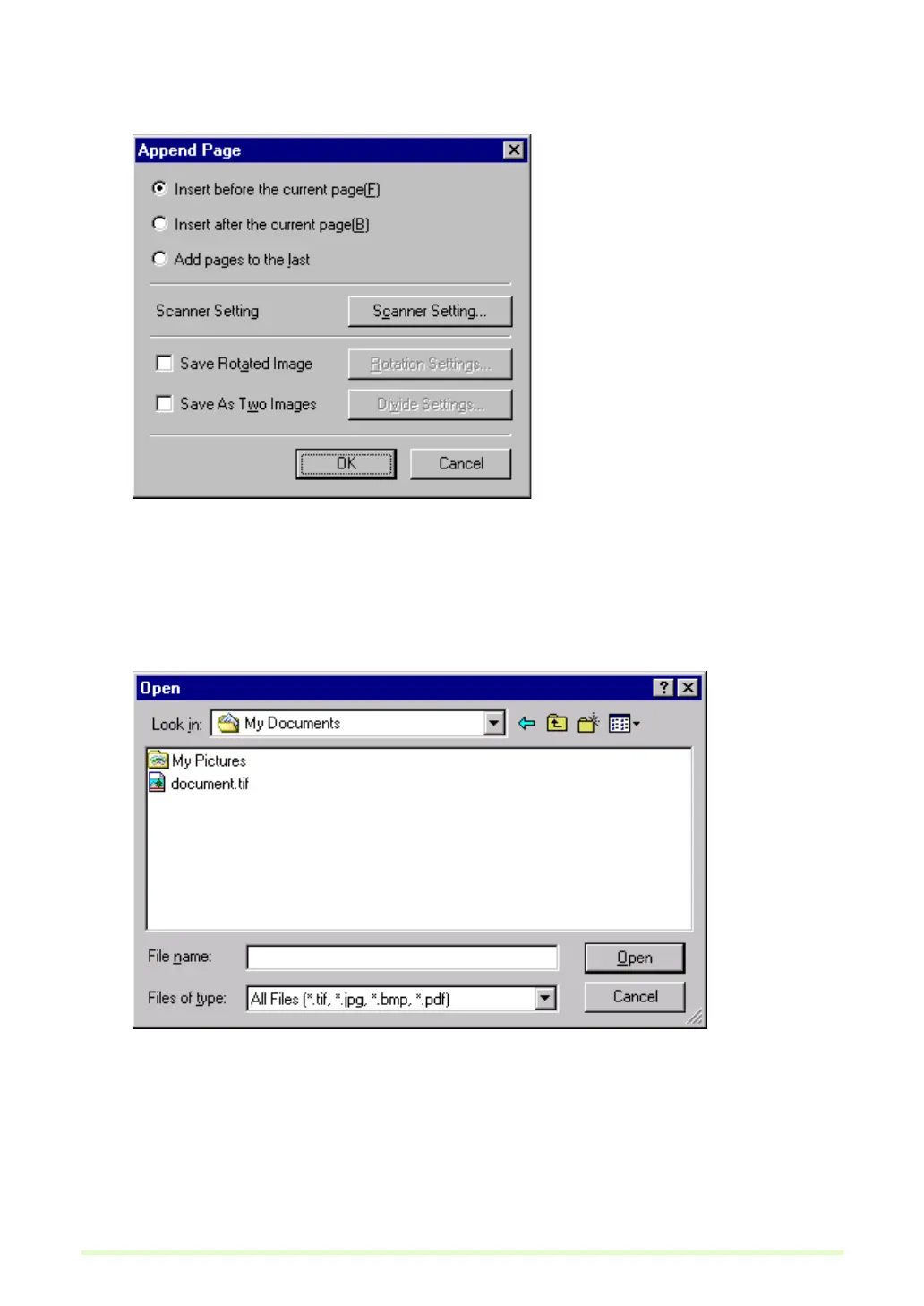
When "from Scanner" is selected
1) The Append Page dialog box is displayed.
2) Select the location to add or insert the page, make the Scanner Settings, and click OK.
Scanning begins, and pages are added or inserted.
3) When there are no more documents, scanning stops.
When "from File" is selected
1) The Open dialog box is displayed.







 To Next Page