70
2) Select the image file containing the image to be replaced, and click Open.
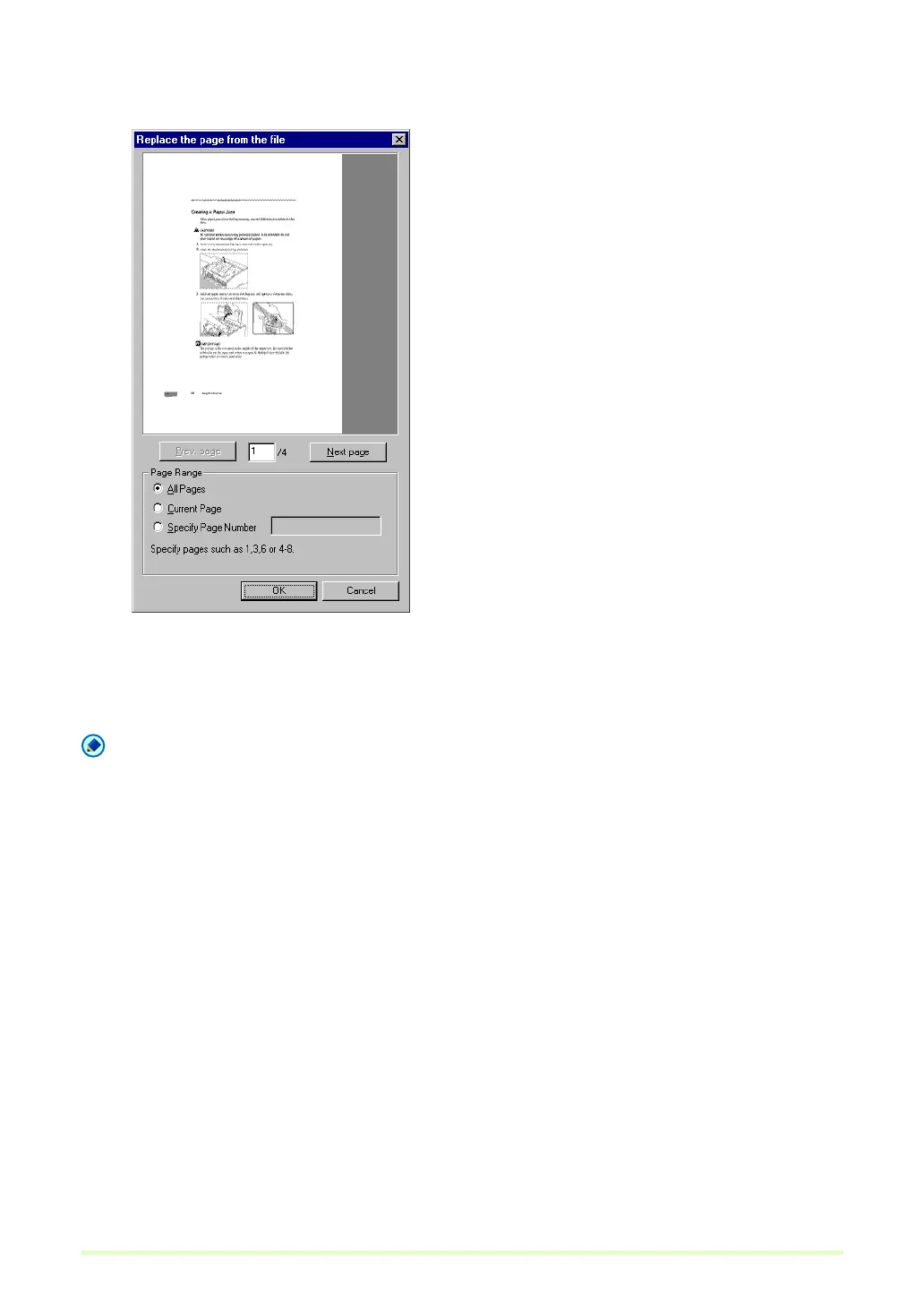
The Replace the page from the file dialog box appears.
3) Confirm the replacement image(s) in the image file by clicking Next Page and Prev. Page, specify
the page range for replacement, and click OK.
Pages following the displayed page are replaced by the image(s) specified for the Page Range.
5 When finished page replacement, confirm that the image(s) of the specified page(s) are replaced.
Note
• To save the image file with replaced pages, select Save Page As or Close from the File menu.
• When Close is selected, a message appears asking if you want to save the file. Click Yes to overwrite the
image file.







 To Next Page