138
During movie shooting, you can still set the menu options. Movie
shooting functions are listed below.
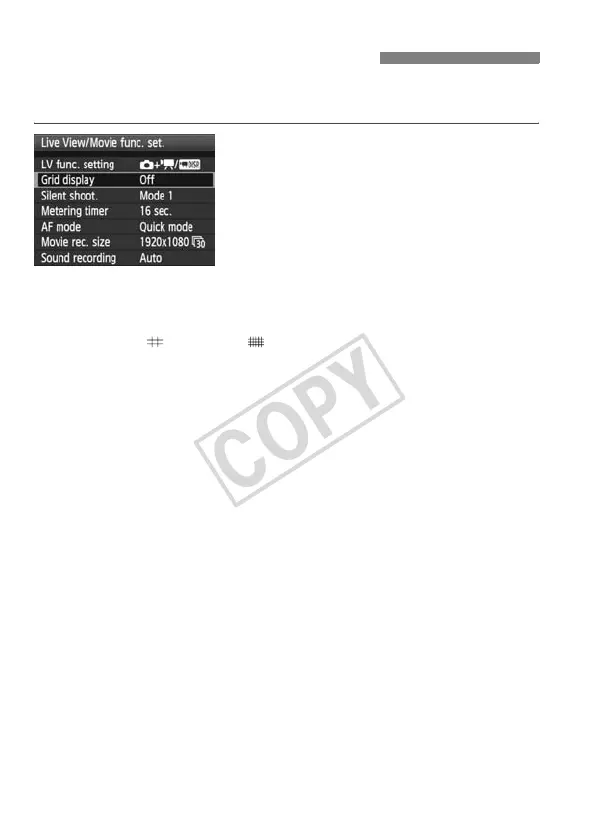
Under the [6] tab with the [Live View/
Movie func. set.] screen, you can set
the following functions.
The functions settable in this menu
screen only apply during Live View
shooting and Movie shooting. These
functions do not take effect during
viewfinder shooting.
Grid display
With [Grid 1 ] or [Grid 2 ], you can display grid lines. You can
check for any camera tilt before shooting.
Silent shootingN
Set when shooting a still photo. See page 113. This will also work
with still photo shooting during movie shooting (p.136).
Metering timerN
You can change how long the exposure setting is displayed (AE lock
time).
AF mode (p.115-121)
You can select [Quick mode], [Live mode], or [Liveu mode]. Note
that the camera cannot focus a moving subject continuously.
3 Menu Function Settings














 To Next Page