82
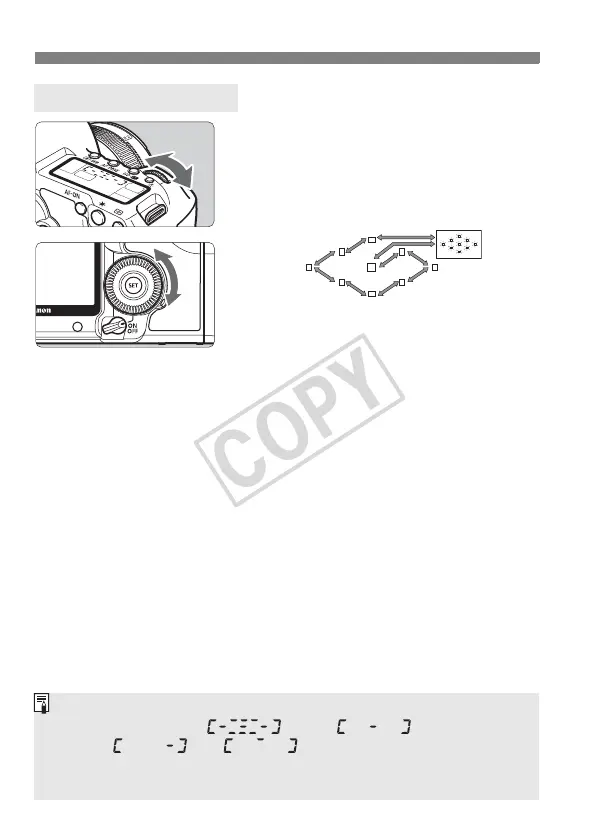
S Selecting the AF PointN
When you turn the <6> or <5>
dial, the AF point selection will
change in the respective direction.
When all AF points light up, automatic
AF point selection will be set.
Selecting with the Dial
When looking at the LCD panel to select the AF point, note the following:
Automatic selection , center ,
right , top
If focus cannot be achieved with the external, EOS-dedicated Speedlite’s
AF-assist beam, select the center AF point.














 To Next Page