153
U Using Creative Filters
5
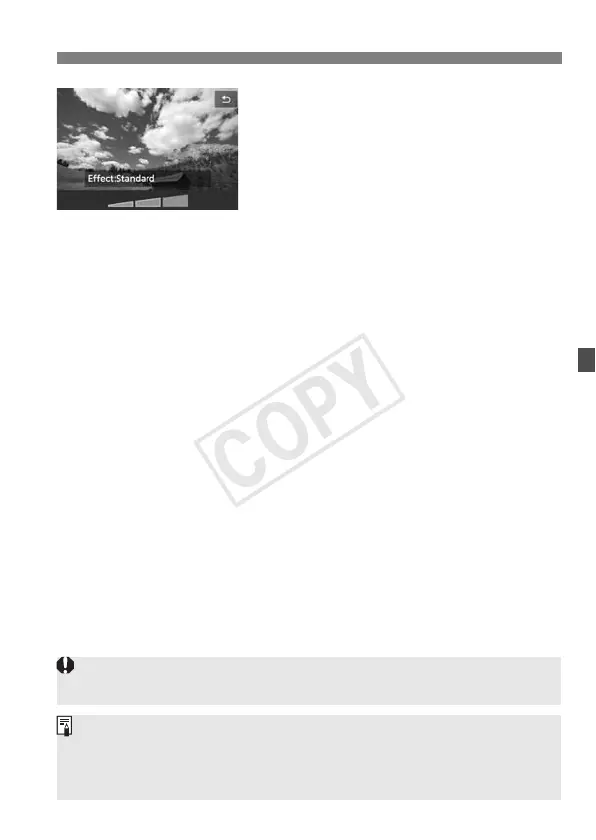
Adjust the Creative filter’s effect.
Press the <B> button (except for
the Miniature effect).
Press the <U> key to adjust the
Creative filter’s effect, then press
<0>.
For the Miniature effect, press <0>,
then press the <V> key to move the
white frame to where you want it to
look sharp.
6
Take the picture.
X The picture will be applied with the
Creative filter.
Even if you set the drive mode to <i> or the self-timer to <q>, single
shooting will take effect.
Creative filters cannot be used if any of the following is set: 1+JPEG
or 1 image quality, AEB, white balance bracketing, or multi shot noise
reduction.
When you shoot with a Creative filter, the histogram will not be displayed.



 To Next Page