367
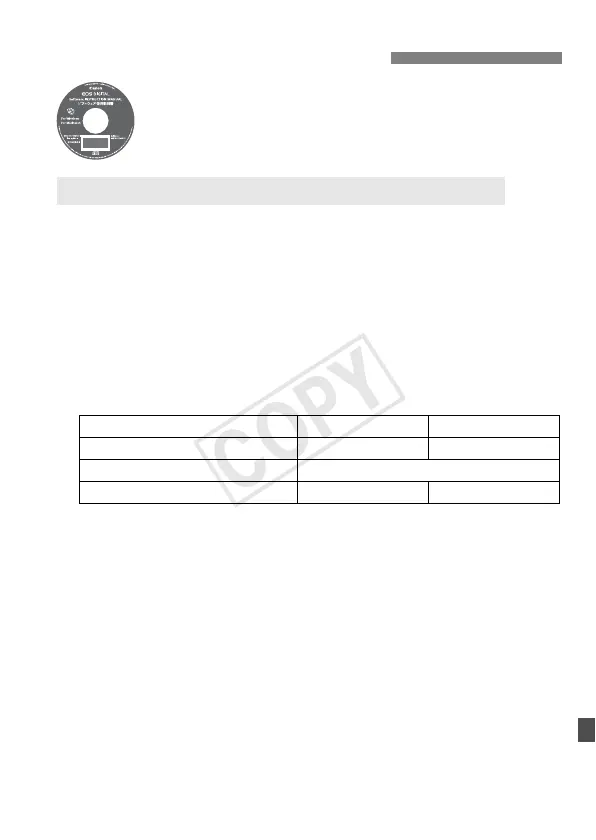
Contains the Software Instruction Manuals.
1 Insert the [Software INSTRUCTION MANUAL] CD-ROM
into your computer.
2 Double-click the CD-ROM icon.
For Windows, the icon is displayed in [(My) Computer].
For Macintosh, the icon is displayed on the desktop.
3 Copy the [English] folder to your computer.
Instruction Manual PDFs with the names below are copied.
4 Double-click the copied PDF file.
Adobe Reader (most recent version recommended) must be
installed on your computer.
Adobe Reader can be downloaded free from the Internet.
Software Instruction Manual
Copying and Viewing the Instruction Manual PDFs
Windows Macintosh
EOS Utility EUx.xW_E_xx EUx.xM_E_xx
Digital Photo Professional DPPx.xW_E_xx DPPx.xM_E_xx
ImageBrowser EX IBXx.x_E_xx
Picture Style Editor PSEx.xW_E_xx PSEx.xM_E_xx



 To Next Page