152
While looking at the Live View screen, you can shoot while applying a
filter effect (Grainy B/W, Soft focus, Fish-eye effect, Art bold effect,
Water painting effect, Toy camera effect, and Miniature effect). These
are called Creative filters.
When you shoot with a Creative filter applied, only images applied with
a Creative filter will be saved. If you also want to save the image without
a Creative filter, shoot the image without the Creative filter and apply
the Creative filter afterward, then save it as a separate image (p.274).
1
Set any shooting mode except
<F> or <G>.
2
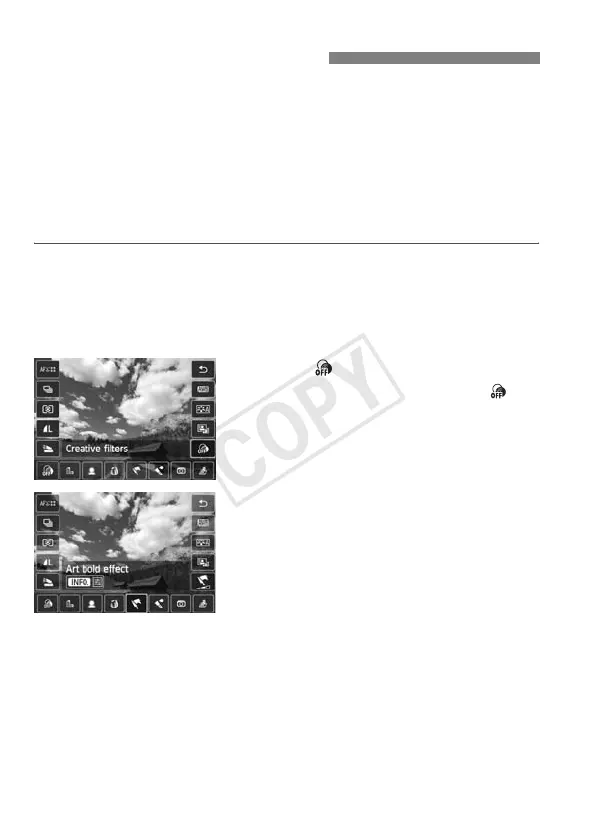
Press the <Q> button.
X The Quick Control screen will appear.
3
Select [ ].
Press the <V> key to select [ ]
(Creative filter) on the screen’s right
side.
4
Select the Creative filter effect.
Press the <U> key to select a
Creative filter (p.154).
X The Creative filter’s effect will appear
on the screen.
U Using Creative Filters



 To Next Page