16
Basic Operation and Settings
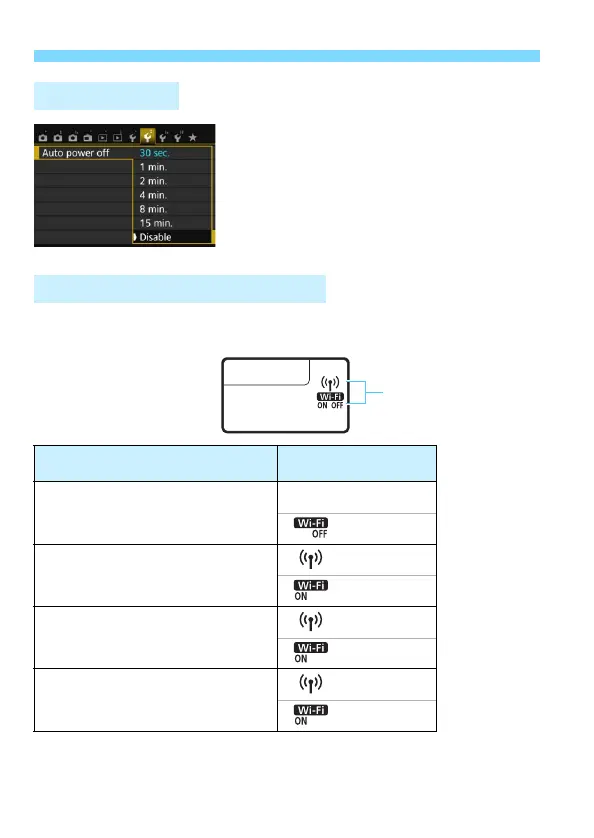
If necessary, set [Auto power off]
under the [52] tab to [Disable].
If the camera’s auto power off is
activated during the wireless LAN
connection, the connection will be
terminated.
Wireless LAN connection status can be checked on the camera’s LCD
panel.
Auto Power Off
Wireless LAN Connection Status
Connection Status
Wi-Fi Function
Display
Not connected
(Off)
Connected/Sending data/
Receiving data
Waiting for connection/Waiting for
reconnection
(Blinking)
Connection error
(Blinking)
(Blinking)



 To Next Page