34
Using Camera Access Point Mode to Establish a Connection
8
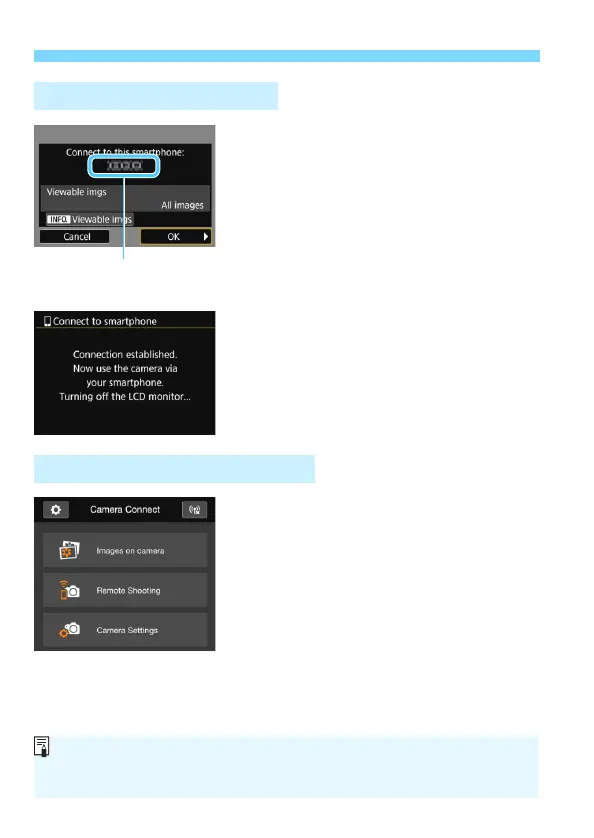
Connect to the camera.
When a connection is established,
the screen on the left will appear on
the camera’s LCD monitor.
To specify viewable images, press the
<B> button. See step 5 on page
90 to set them.
Press the <Z> key to select [OK],
then press <0>.
X After a message is displayed, the
camera’s LCD monitor will turn off.
9
Operate the camera using
Camera Connect.
Perform further operations using
Camera Connect. For the operation
procedure, see page 35.
The settings for communicating with a smartphone are now complete.
Operation on the Camera-2
The device name set on
Camera Connect
Operation on the Smartphone-2
To register multiple connection settings, see page 92.
You can check or change the device name on the setting screen of
Camera Connect.



 To Next Page