39
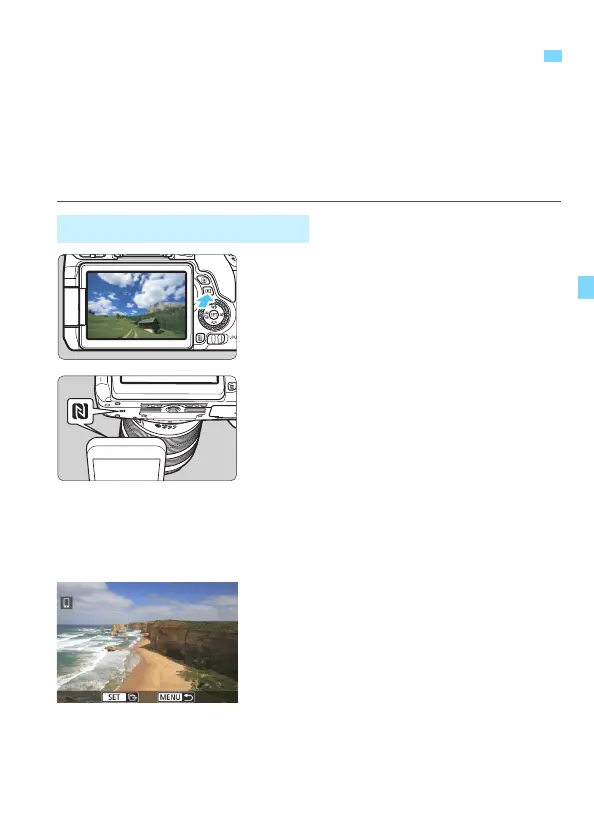
While playing back images on the camera, touch an NFC-enabled
smartphone to the camera to send a captured image to the smartphone.
If a connection has already been established via a wireless LAN,
terminate the connection and then play back images on the camera.
Set up the camera and smartphone to allow use of their NFC
functions in advance (p.28).
1
Play back the image.
Press the <x> button to play back
an image in the single-image display.
2
Touch a smartphone to the
camera.
Touch the p mark on the smartphone
to that on the camera.
When a message indicating the
connection is displayed on the
camera’s LCD monitor,
communication can be established
even if the smartphone is moved
away.
3
Select an image to send.
Turn the <5> dial to select an image
to send.
Easy Image Transfer Using the NFC Function
Sending Images Individually



 To Next Page