41
Easy Image Transfer Using the NFC Function
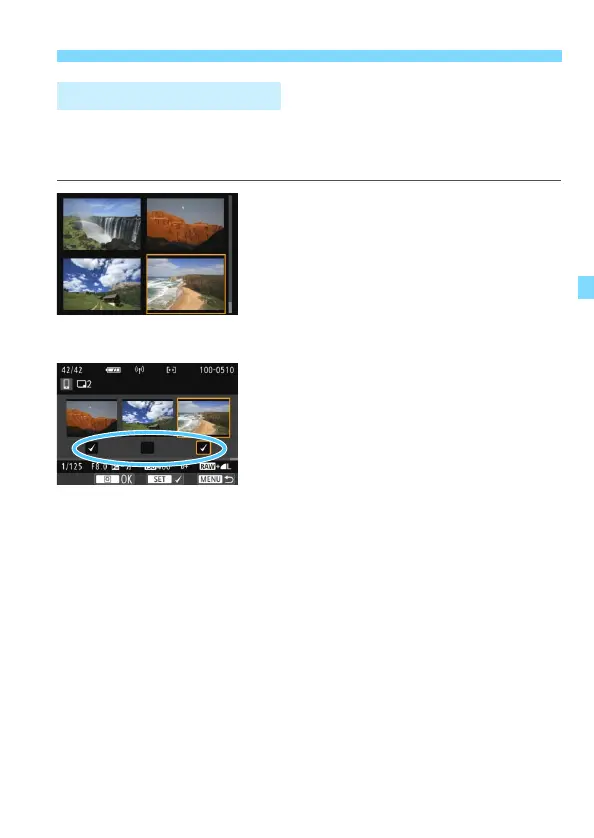
When the index display is selected in step 1 on page 39, the image
selection screen will appear on the camera after a connection is
established.
1
Connect the camera to the
smartphone.
Play back images in the index display.
See step 2 on page 39 to touch the
smartphone to the camera and
establish a connection.
X The image selection screen will
appear.
2
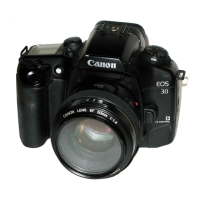
Select the images to send.
Turn the <5> dial to select an image
to send, then add [X]. Press <0> to
add or remove [X].
By pressing the <u> button, you can
switch to the single-image display
and select an image.
3
Send the images.
After selecting the images to send,
press the <Q> button to send them.
Sending Multiple Images


 To Next Page