33
Using Camera Access Point Mode to Establish a Connection
6
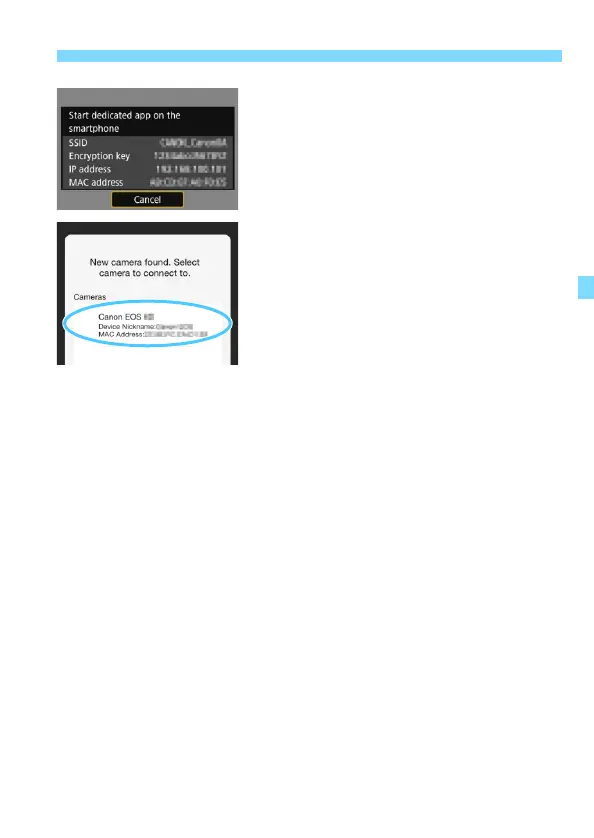
Start Camera Connect on the
smartphone.
When the smartphone’s Wi-Fi
settings are completed, start Camera
Connect.
7
Select the camera to connect to
on the smartphone.
Select and touch the camera to
connect to from [Cameras] on
Camera Connect to establish a
connection.
X When the operation on the camera is
completed in step 8 on the next page,
the Camera Connect Main window
will appear.



 To Next Page