32
Using Camera Access Point Mode to Establish a Connection
4
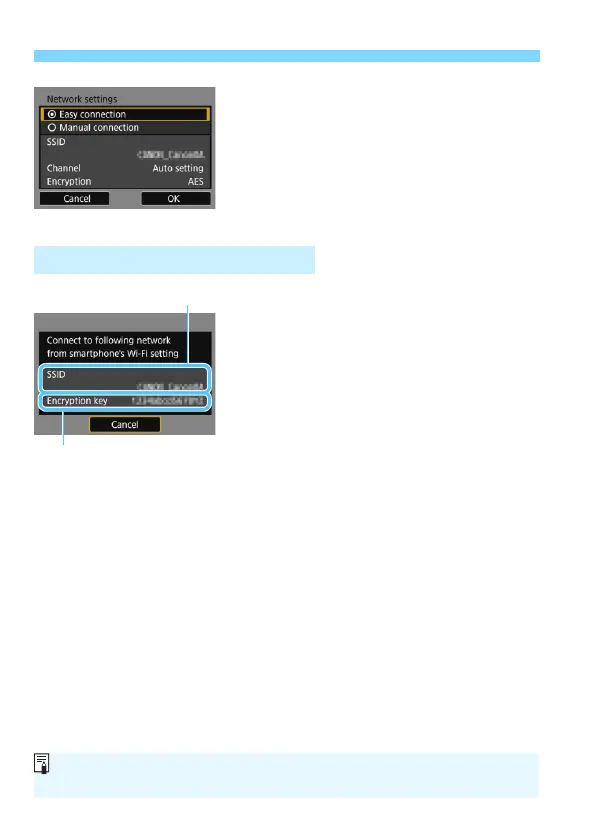
Select [Easy connection].
Press the <W> <X> keys to select
[Easy connection], then press <0>.
Select [OK] and press <0> to go to
the next screen.
For manual connection, see page
158.
5
Operate the smartphone and
connect it to the camera.
Activate the smartphone’s Wi-Fi
function, then select the SSID
(network name) displayed on the
camera’s LCD monitor.
For the password, enter the
encryption key displayed on the
camera’s LCD monitor.
X The next screen may be
automatically displayed before the
settings on the smartphone are
completed.
Operation on the Smartphone-1
Encryption key (password)
SSID (network name)
When connected by selecting [Easy connection] in camera access point
mode, “_Canon0A” is appended to the SSID of the camera.



 To Next Page