45
Selecting the Connection Destination
4
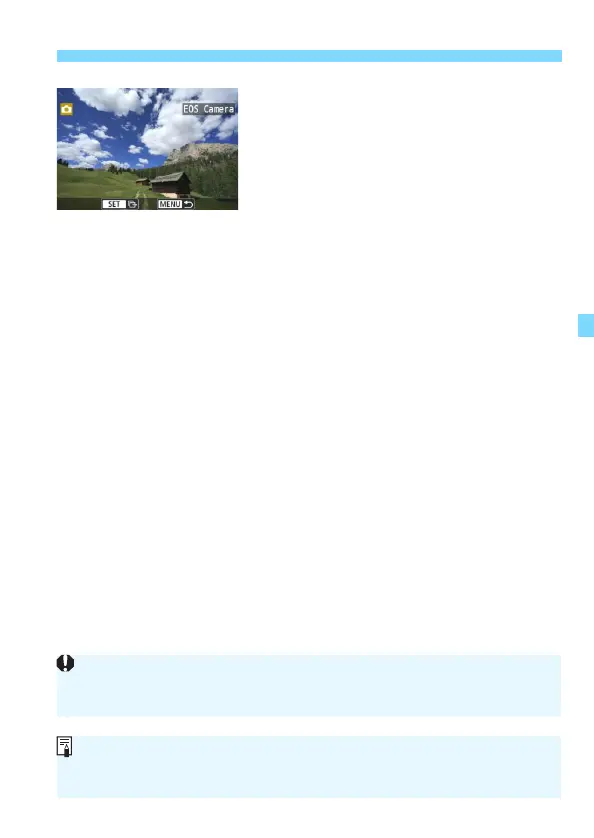
Select the images to send.
Select images on the camera sending
the images (p.46).
Do not operate the camera receiving
the images.
Note that GPS information is not displayed on the camera’s playback screen
even if GPS information is appended to the received image. Shooting
locations can be viewed on a virtual map, using Map Utility (EOS software).
The connection settings are saved/registered with the nickname of the
camera to which a connection was established.
While connected, auto power off does not function.



 To Next Page